
A trip to Turkey runs on your phone more than you might expect: ride-hailing and tram routes in Istanbul, ferry times across the Bosphorus, balloon-flight pickups in Cappadocia that get confirmed by message the night before, and long bus or car journeys down to the coast. For most visitors, the best way to stay connected in Turkey is a data-only eSIM that you set up before you fly and switch on when you land. You skip the airport SIM queue and keep your home number for calls and texts.
This guide covers the practical side: how to check your phone, when to install so you don’t lose plan days, which settings to switch on at the airport, how much data a typical Istanbul-to-Cappadocia trip uses, and which of the LemonSIM Turkey eSIM plans fits your route. Everything here is based on what the LemonSIM plan pages and FAQ currently say. Where something depends on your phone or your itinerary, we’ll tell you how to check it yourself.
What’s the Best Way to Stay Connected in Turkey?
Travelers usually weigh three options:
- Roaming on your home plan. The simplest, but roaming passes can add up over a week or two, so check your carrier’s daily rate and allowance first.
- A local SIM card bought in Turkey. It works, but it takes time on arrival at a shop or counter, and you’ll swap out your home SIM unless your phone has a second slot.
- A travel eSIM. You buy it at home, install it in a few minutes, and use it for mobile data while your home SIM stays on for calls and texts.
For a holiday or business trip of a few days to a month, the third option is usually the least hassle. LemonSIM’s Turkey plans are data only: there’s no Turkish phone number, regular calls or SMS. Most travelers don’t miss them, because WhatsApp, FaceTime and other apps cover calls and messages over data, and your home number keeps receiving bank codes.
Which Networks Does a Turkey eSIM Use?
The Turkey plan pages list three partner networks, all marked 4G:
- Turkcell
- Vodafone
- Türk Telekom
Your phone picks an available network on its own, and the page notes that partner networks can vary by plan and location. You don’t need to choose one manually. If the signal drops in a valley in Cappadocia or on a quiet stretch of coast road, turning airplane mode on for 30 seconds and off again makes your phone search again. For remote hikes, download offline maps on Wi-Fi beforehand, because no network covers every mountain trail.
Before You Fly: Check Your Phone
An eSIM only works on a phone that supports eSIM and is carrier-unlocked. Do these checks before you buy:
- Dial *#06#. If a 32-digit EID appears, your phone has eSIM hardware.
- Check your model on LemonSIM’s eSIM compatible phones list.
- Confirm it’s unlocked, especially if you bought it through a carrier. Our guide on how to check if your phone is unlocked shows the quick tests for iPhone and Android.
This matters because LemonSIM doesn’t offer change-of-mind refunds (except where required by law), and LemonSIM physical SIM cards currently cover the USA, Europe and Japan, not Turkey. If your phone can’t take an eSIM, a Turkish SIM bought on arrival is the realistic alternative.
New to eSIM altogether? How eSIM works explains the basics in a couple of minutes.
When to Install Your Turkey eSIM
LemonSIM plans follow three rules, and they decide the best moment to install:
- The plan starts when you install the eSIM, and the installation day counts as day 1.
- Each new plan day begins at noon EDT (11:00 a.m. EST), which is 16:00 UTC.
- Turning the eSIM off doesn’t pause it.
Turkey stays on UTC+3 all year, so a new plan day starts at about 7 p.m. Turkish time. That gives you a useful trick: if you land in Istanbul in the early afternoon and install on the hotel Wi-Fi, you get a few hours of day 1 before the first switch-over. If you land late in the evening, installing after 7 p.m. means your first full evening counts toward day 1 anyway, so plan your number of days accordingly.
For most trips, the easiest routine is:
- At home, a day or two before the flight: buy the plan and keep the QR code email handy. Buying doesn’t start the plan.
- On the day you need data: install the eSIM on Wi-Fi (at the departure airport, on hotel Wi-Fi, or on airport Wi-Fi in Istanbul).
- On arrival: switch the line on and set it for mobile data (next section).
If the QR code is on the same phone you’re installing on, our guide to installing an eSIM without a QR code shows the workarounds.
Installing on iPhone
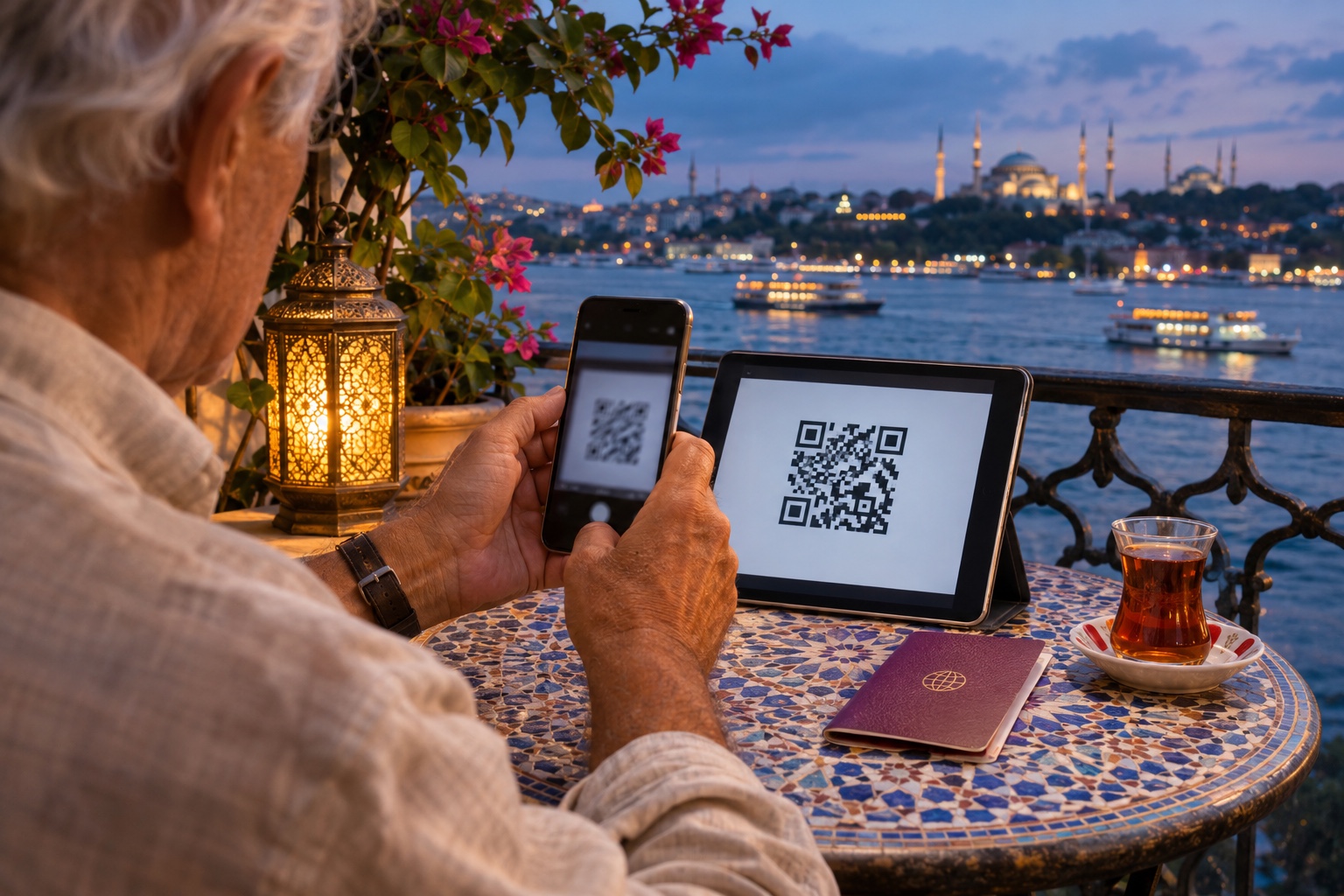
On an iPhone, open Settings > Cellular (or Mobile Data) and tap Add eSIM, then use the QR code. If the QR code arrives in Apple Mail on iOS 17.4 or later, you can also tap and hold it and choose Add eSIM, as described in Apple’s guide to setting up eSIM on iPhone. Label the new line something clear, such as “Turkey”, so you can tell it apart from your home line.
Installing on Android
Menu names differ by maker. On a Google Pixel, the path is Settings > Network & internet > SIMs > Add SIM, according to Google’s Pixel help page on dual SIMs. On a Samsung Galaxy, look for SIM manager under Connections.
Settings to Switch On When You Land in Turkey
Once you’re on the ground, the LemonSIM FAQ lists three steps:
- Turn the LemonSIM line on.
- Turn on data roaming for that line. The eSIM is a travel profile, so it needs roaming enabled to connect.
- Choose it for mobile data. It usually connects within a few minutes.
To avoid surprise charges from home, turn data roaming off on your home SIM. Your home carrier may still charge for calls, SMS or voicemail on that line, so check their rates if you plan to answer calls. If you’ve never run two lines at once, our guide to running your main number and a data eSIM side by side explains which settings go where.
How Much Data Do You Need in Turkey?
The LemonSIM FAQ gives a simple baseline: about 1 GB a day is usually enough for maps, messages, social media and some short videos. Streaming, long video calls and laptop work use much more. Turkey trips tend to fall into three patterns:
- Light use (about 0.5–1 GB a day): maps between sights, ride-hailing, WhatsApp, a few photos shared each evening on hotel Wi-Fi.
- Typical use (about 1–1.5 GB a day): all of the above plus Instagram stories, translation apps in the bazaar and video calls home now and then.
- Heavy use (2 GB a day or more): uploading balloon-flight videos straight away, streaming on long bus rides, or sharing data with a laptop.
Istanbul itself is data-hungry because you navigate constantly: tram and ferry routes, walking directions through the old town, restaurant searches. Cappadocia is lighter during the day but often heavier in the evening when everyone backs up photos. Long coach journeys are where streaming quietly eats a plan, so download shows on Wi-Fi first.
If you’d like a second opinion, LemonSIM’s travel data calculator (linked from every destination page) turns your habits into a number.

Which Turkey eSIM Plan Fits Your Trip?
LemonSIM sells Turkey plans with a fixed amount of data and unlimited-data plans by the day. Here are the ones that match the most common trips, with current prices from the plan pages:
One week, mostly Istanbul
The Turkey 5GB / 7-day eSIM is currently $9.00 and suits travelers who use hotel Wi-Fi for anything heavy. If you post a lot or video-call home every day, the 10GB / 7-day plan (currently $14.50) gives you roughly 1.4 GB a day.
Ten days to two weeks: Istanbul, Cappadocia and the coast
The Turkey 10GB / 15-day eSIM is currently $15.00, about the same price as the 10GB / 7-day plan but with twice the days. It fits light-to-typical users on a classic two-week loop. If you upload a lot of photos and video, the Turkey 20GB / 15-day eSIM, currently $22.00, is the safer pick.
Hotspot, remote work or heavy video
If you’ll share your connection with a laptop or a travel partner, an unlimited plan removes the guesswork. The Turkey unlimited 7-day eSIM is currently $27.00, and the unlimited 10-day plan is currently $35.00. Every LemonSIM plan allows hotspot, according to the FAQ.
Longer stays
For a month in Turkey, the 20GB / 30-day plan is currently $22.50, and unlimited plans go up to 30 days as well. You’ll find every option on the Turkey eSIM page.
Prices can change, so check the plan page before you buy. One more thing to plan for: LemonSIM eSIMs can’t be topped up. If you run out of data or days, you buy a new eSIM plan, so picking slightly more data than you think you need is usually cheaper than buying a second plan mid-trip.
Tips to Make Your Turkey Data Go Further
- Download offline maps of Istanbul, Cappadocia and your coastal stops on Wi-Fi before you go.
- Turn off auto-play for videos in social apps and set photo backups to Wi-Fi only.
- Use hotel Wi-Fi for big uploads and keep the eSIM for navigation and messages.
- Check usage in your phone’s settings for the LemonSIM line every couple of days. The FAQ notes this counter is an estimate, not a confirmed balance, so leave yourself a margin.
FAQ
Can I keep my home number while using a Turkey eSIM?
Yes, on a dual-SIM phone. Keep your home SIM on for calls and texts and choose the LemonSIM line for mobile data.
Do I get a Turkish phone number?
No. LemonSIM Turkey plans are data only, with no phone number, regular calls or SMS. Use calling and messaging apps over data instead.
What if my eSIM doesn’t connect when I land?
Check that the LemonSIM line is on, selected for mobile data and has data roaming on. Then turn airplane mode on for 30 seconds and off again. If it still won’t connect, email LemonSIM support with your order number.
When should I delete the eSIM?
After the plan ends. Keep it installed while the plan is running, then remove it from your phone’s SIM settings.
Conclusion
For most visitors, the best way to stay connected in Turkey is simple: check that your phone supports eSIM and is unlocked, buy a plan before you fly, install it on Wi-Fi on the day you need data, and switch on data roaming for that line when you land. Size the plan by your days and habits: about 1 GB a day covers most sightseeing, while hotspot users and heavy uploaders are better off with a larger or unlimited plan.
Browse every destination on the LemonSIM eSIM page, or see the LemonSIM SIM card range if your next trip takes you to the USA, Europe or Japan with a phone that doesn’t support eSIM.