
A regular travel eSIM on a cruise ship can get you online while your phone can reach a supported network on land. Once the ship sails beyond shore coverage, a regular country or regional travel eSIM is no longer your way online. For sea days, use the ship’s Wi-Fi or a separate plan that explicitly covers maritime cellular service on your vessel.
Picture a morning in Barcelona and an afternoon out at sea. The same phone can use a local network to get you to the terminal, join the ship’s Wi-Fi after boarding, and switch back to mobile data at the next covered port. Budget for these as separate connections. Start by matching travel eSIM plans to the destinations on your itinerary, then decide whether you need internet between stops.
When does a travel eSIM work on a cruise ship?
A travel eSIM gets mobile data from a supported cellular network. At a covered port, those towers may reach the dock or parts of the ship. A terminal building, the ship’s hull, or distance from shore can weaken reception. If you can’t load a page from your cabin, try again after you step ashore before deciding the plan isn’t working. No arrival time or distance from port guarantees a usable connection.
Being able to see land doesn’t tell you which network your phone is using. The ship can have its own cellular service, separate from shore towers and from the Wi-Fi network in your cabin. A country name in a plan’s coverage list means you should check for a supported network on land there. It doesn’t imply that the plan covers the ship.
If you’re considering an eSIM advertised for use at sea, ask which ships and onboard networks it supports, what the plan includes, and whether it covers port stops as well. Check the exact ship name, especially if the operator has several vessels on the same route. A plan that lists a cruise line may cover only some of its fleet.
What should you use for internet at sea?
For most passengers who need to get online between ports, ship Wi-Fi is the first option to check. You join the onboard Wi-Fi network, then sign in through the cruise line’s portal if required. Any package you buy there is separate from the mobile data on your eSIM. Some onboard apps may work over the ship network without a paid internet package, but access to the daily schedule in the app doesn’t tell you whether you can message someone back home.
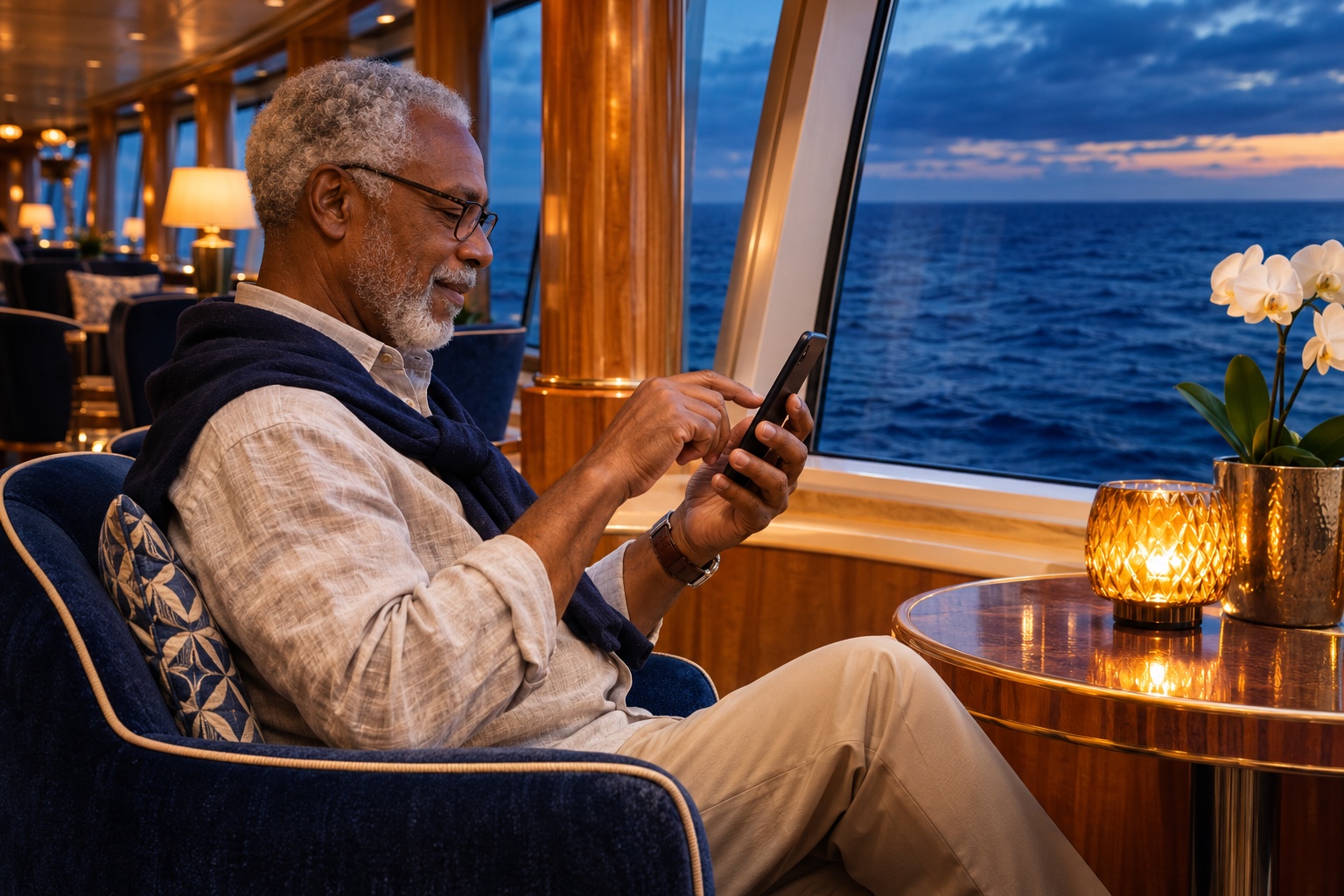
Before paying, find out whether the price is per day or for the whole sailing, whether it covers one active device or several, and whether you can switch a single login between your phone and laptop. Check whether the package allows the apps you actually need. A package suitable for text messages may have limits that matter for video calls. Even with a package that permits them, have a backup for anything time sensitive; the connection can vary during a sailing.
For example, if you only need to tell family when you’ve reached the next port, downloading what you need before departure and checking in from land may be enough. If you need to coordinate with someone on the ship, check whether the onboard app has a messaging feature and set a physical meeting point as a backup. If you have a work call or need to be reachable on a sea day, check the package for your specific ship and tell people how to reach you if the connection drops.
How do you avoid accidental maritime roaming?
Your home carrier may offer service through a ship’s mobile network, with different terms from its international land roaming. Cellular at Sea explains how its maritime network works with home carriers, including the difference between a carrier pass and pay-per-use service. Ask your carrier whether your line and ship are supported, what starts a charge, and whether calls, SMS and data are priced separately. A network label such as “Cellular at Sea” can be a clue that your phone is on the ship’s cellular network.
If you want onboard Wi-Fi without connecting to maritime cellular, switch on airplane mode before sailing, including on any cellular tablet or watch you brought. Then turn Wi-Fi back on and join the ship network. Apple’s guide to airplane mode shows how to do this on an iPhone. Keep airplane mode on at sea if you’re relying on Wi-Fi only.
Turning off data roaming on your home line restricts roaming data, but that line can still register for calls or texts when cellular is on. Selecting the travel eSIM for data doesn’t switch off your other line either. Review the guide to using two SIM lines side by side before traveling if you need to keep your number available. For codes or calls you can’t miss, set up an alternative in advance rather than assuming ordinary SMS or Wi-Fi Calling will work aboard.
How should you choose a travel eSIM for cruise ports?
Write down the country or territory for every stop where you expect to use mobile data, including your departure and return ports. Then check each against the specific plan’s coverage list. A regional label isn’t enough. If one stop is missing and you need internet there, compare a separate local plan, your home carrier’s land roaming, or reliable Wi-Fi ashore. The guide to using one eSIM across Europe explains what to check when crossing between partner networks.
Next, count calendar days from when the plan starts through your last day of port use. Sea days may use no eSIM data, but they don’t stop the clock on a consecutive-day plan. LemonSIM’s plan validity FAQ says the installation day counts as day one. Check when the final day ends, especially if you plan to use the connection during disembarkation or on the way to the airport.
For a Mediterranean itinerary with stops in Spain, France and Italy, LemonSIM’s Europe eSIM page is a useful place to check participating networks. Its 3 GB, seven-day Europe eSIM is one example to compare for maps and occasional messaging ashore, if the validity window covers your stops. It doesn’t provide ship Wi-Fi. If you install the night before an eight-day sailing, a seven-day plan won’t stretch to the final day just because you leave it off at sea. Use the guide to choosing eSIM data and validity to compare a longer window against a shorter plan for the stops where you’ll actually use it.
What should you do before boarding and at each stop?
- Before boarding: Download offline maps, excursion meeting instructions and the port agent’s contact details. Keep a copy of the ship’s return deadline somewhere you can open offline. If you plan to work or handle account logins, prepare offline files and backup codes where your service allows them.
- Before sailing: Follow the ship’s instructions for joining its Wi-Fi. If you’re using Wi-Fi only, turn on airplane mode and re-enable Wi-Fi. Verify that you can open something outside the onboard app if you paid for internet access.
- Once ashore: Turn airplane mode off and select your travel eSIM for mobile data. Use the roaming setting specified for that eSIM and check that your phone hasn’t switched mobile data back to your home line. Open one map or send a message before heading away from the terminal.
- Back on board: Return to airplane mode with Wi-Fi on before departure, rather than waiting for the land signal to drop. If you’ve deliberately bought maritime roaming, follow your carrier’s instructions and keep track of which line is connected.
You can make the buying decision from your itinerary: use LemonSIM’s destination eSIM list for the days you need data ashore. For the hours between ports, decide whether you need to reach the wider internet, and check the ship’s Wi-Fi or an explicitly supported maritime plan if you do.