
The best way to stay connected in Egypt depends on what you need your phone to do. A travel eSIM suits visitors who want mobile data for a ride from Cairo airport, directions around Giza and messages to their guide. A local tourist SIM is worth looking at if you need an Egyptian number for ordinary calls or texts. Your home carrier’s roaming plan can make sense on a short visit if it already covers Egypt at a price you’re happy with. Compare Egypt eSIM plans before you leave, then decide how you’ll handle calls and the stretches of your trip where you may have weak signal. For stops outside Egypt, check eSIM destinations separately.
What’s the Best Way to Stay Connected in Egypt for Your Trip?
Start with the first thing you’ll need a connection for. A ride pickup and a map pin take mobile data. Calling a hotel landline takes a voice line, unless you use an internet calling service that can dial ordinary numbers. If your guide has already offered to message you through an app you both use, data may cover the whole exchange.
- Travel eSIM. Choose this if you’ll mostly use maps, booking apps, email and app messages. LemonSIM’s Egypt eSIM provides mobile data. Keep access to your home number separately if you’ll need bank texts or ordinary calls. See the LemonSIM FAQ for more on using your home line abroad.
- Local tourist SIM. Ask the operator about a plan with an Egyptian number and the calls or SMS you expect to use. Bring your passport and ask what documents are needed for the line. Before leaving the counter, check your number, make a test call if voice was included and load a web page with Wi-Fi off.
- Home-carrier roaming. Look up Egypt specifically. Check what starts a daily charge, what happens when the high-speed allowance runs out and whether your pass covers calls and texts as well as data. A pass that fits a single arrival day can be expensive if it renews throughout a two-week trip.
- Wi-Fi. Use hotel or apartment Wi-Fi for large downloads and photo backups. For a trip with airport pickups, day tours or several hotel changes, have a way to get directions and contact people away from the property.
If your phone can run two lines together, you can use the travel eSIM for data and keep your home number available for services that still use it. Check your carrier’s roaming terms for that home line and follow this guide to keeping your main number with a data eSIM.
How Do You Get Online at Cairo Airport?
Save the hotel address, a pickup phone number and the terminal or meeting instructions before you fly. If a driver sends a map pin, save the written directions too. A screenshot that says which door or pickup area to use can help when a location pin leaves you on the wrong side of the terminal.
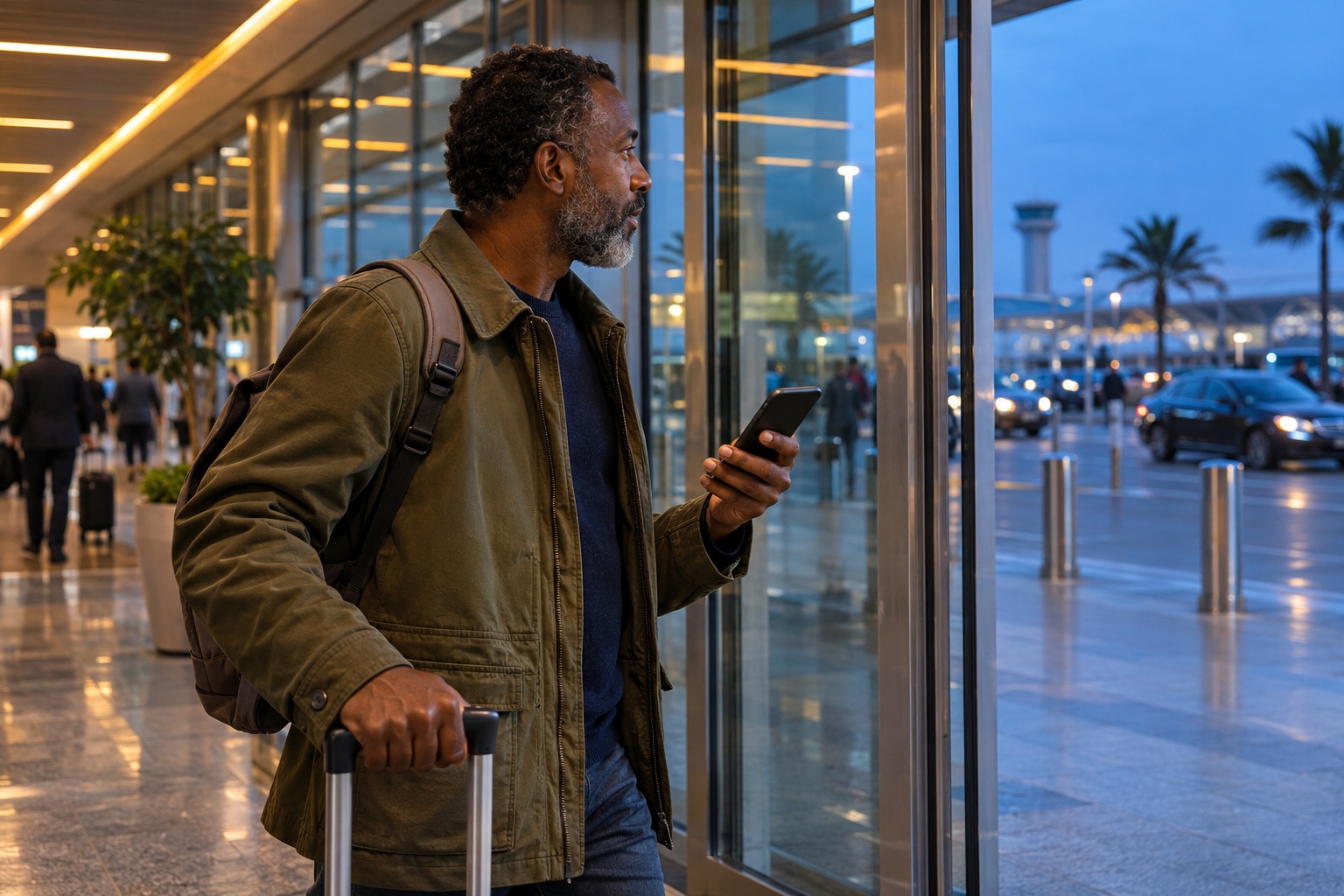
If you’re using a travel eSIM already installed on your phone, select it for mobile data after landing, turn on data roaming for the LemonSIM line and follow the LemonSIM arrival instructions. Turn off Wi-Fi briefly and load a fresh page or send a new message. A cached map can open even when your mobile data isn’t working.
If you plan to buy a local SIM, check which operator shops are open in your arrival terminal before relying on one for a late flight. Ask for the total cost, the actual allowance and expiry, and whether the package includes the voice or text service you need. If you’ve arranged a transfer, keep the meeting details available offline so you can reach the driver first and buy a line later if the counter is closed.
Which Mobile Networks Matter From Cairo to Aswan?
LemonSIM’s Egypt destination page lists Orange, Vodafone and e& (Etisalat) with 4G. Use the operator information on your selected offer or ask support to confirm which network applies before you buy. The fact that a network serves Cairo tells you little about the connection inside a particular hotel room, at a rural stop or on the road to a Red Sea resort.
Check where you’ll actually need a connection. For Cairo and Giza, save the entrance or meeting pin for each major stop. For a Luxor or Aswan itinerary, save both banks of the river if you’ll cross by boat or road. If you are staying on the west bank in Luxor, save the landing point on your side of the river as well as your hotel. A hotel pin alone may give a driver little to go on when you agree to meet near the ferry. If your route includes a desert transfer, a remote lodge or a resort outside town, ask your driver or accommodation which operator works at the property and along your specific route. A recent local answer is more useful than a general coverage claim.
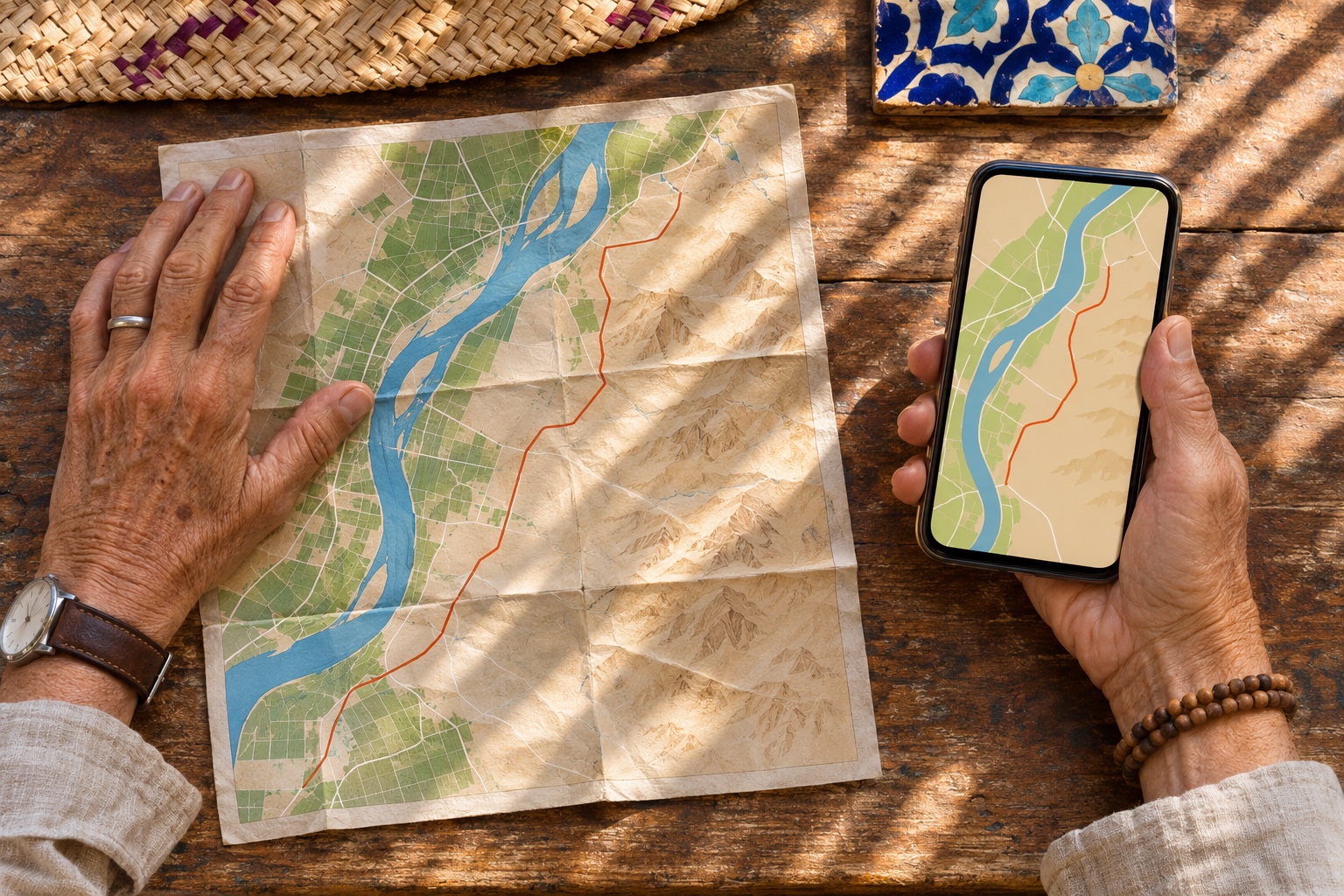
Download maps over Wi-Fi for the areas you will drive through and open them once before you leave. Keep your accommodation addresses, onward ticket details and driver contacts in a file you can open offline. An offline map can show where you are, but live traffic, a changed pickup pin and app messages still need a connection. If you’re arranging a rural pickup, agree on a time and place while you have service.
Which Egypt eSIM Duration and Data Allowance Fit Your Itinerary?
Count the days you expect to use mobile data, including arrival and departure. A Sunday evening landing and a flight the following Sunday morning touch eight calendar dates. In the LemonSIM validity FAQ, the installation day counts as day one. Check the expiry cut-off for your plan and convert it to Egypt local time before assuming a seven-day option reaches the airport on your way home. If you install early, include those days when you compare durations.
- Up to seven days of service. The seven-day unlimited Egypt eSIM currently lists for US$42. It can suit a Cairo and Luxor trip if its validity covers your arrival through your final transfer.
- Eight to ten days of service. The ten-day unlimited Egypt eSIM currently lists for US$52. Compare it if you’re adding several nights near Aswan or the Red Sea and need data through the last day.
- More than ten days. Compare the longer options on the destination page and check the end date against the day you fly home. If you’ll be abroad beyond Egypt, check coverage for the next country separately.
Think about your most demanding task. Directions and messages have different demands from video calls or nightly cloud backups. If you’ll work from a hotel, ask about Wi-Fi in the room and reserve mobile data for calls or outages. When comparing unlimited offers, look for the high-speed allowance, any slowdown terms and whether hotspot use is included before planning to work from your phone. See the guide to fair-use terms on unlimited eSIMs for what to look for. You can also download large files and limit background data before heading out for the day.
If you want data for a trip within Egypt, start with your itinerary and choose a plan that lasts through your last ride. If you need a local number, ask a local carrier for a voice-capable tourist line.