
You can buy an eSIM for someone else and send the unused installation details to the person who will travel. The important part is deciding which phone will use the plan before anyone scans the code. If you pay for a relative’s plan and receive the email, keep the order number, then send the activation details privately to that relative. Start by matching their itinerary with the travel eSIM plans for their destination.
What should you check before you buy an eSIM for someone else?
Ask the traveler which phone they will actually carry, where they will need data, and on which days. A parent may give you the model of the phone they use at home while planning to bring an older spare. A partner may say “Japan for a week” and leave out an overnight stop in a second country where they also need directions.
- Confirm the phone. Ask the traveler to check for eSIM support and carrier unlock on that device. If they bought it through a carrier or use a regional variant, the guide to checking whether a phone is unlocked can help.
- Confirm the first and last days they need internet. Use the arrival and return itinerary, including any relevant stops, and check the plan’s coverage and validity. A Friday departure and a Saturday arrival can mean the first day they need service is Saturday.
- Ask whether mobile data is enough. If they need a local number, regular calls, or SMS, check what the plan includes before paying. A data-only plan can carry internet messages but has no number for ordinary calls or text messages.
For example, the Japan 3 GB, seven-day eSIM currently costs US$8.99 and is data-only. It is an option for one traveler who can stay within that allowance and whose dates fit the plan. If their requirements are still uncertain, work through the guide to choosing an eSIM plan with them before ordering. If the phone lacks eSIM support but has a free slot and meets the network requirements, check physical SIM options as well, allowing time for delivery.
Who gets the order email, and who installs the eSIM?
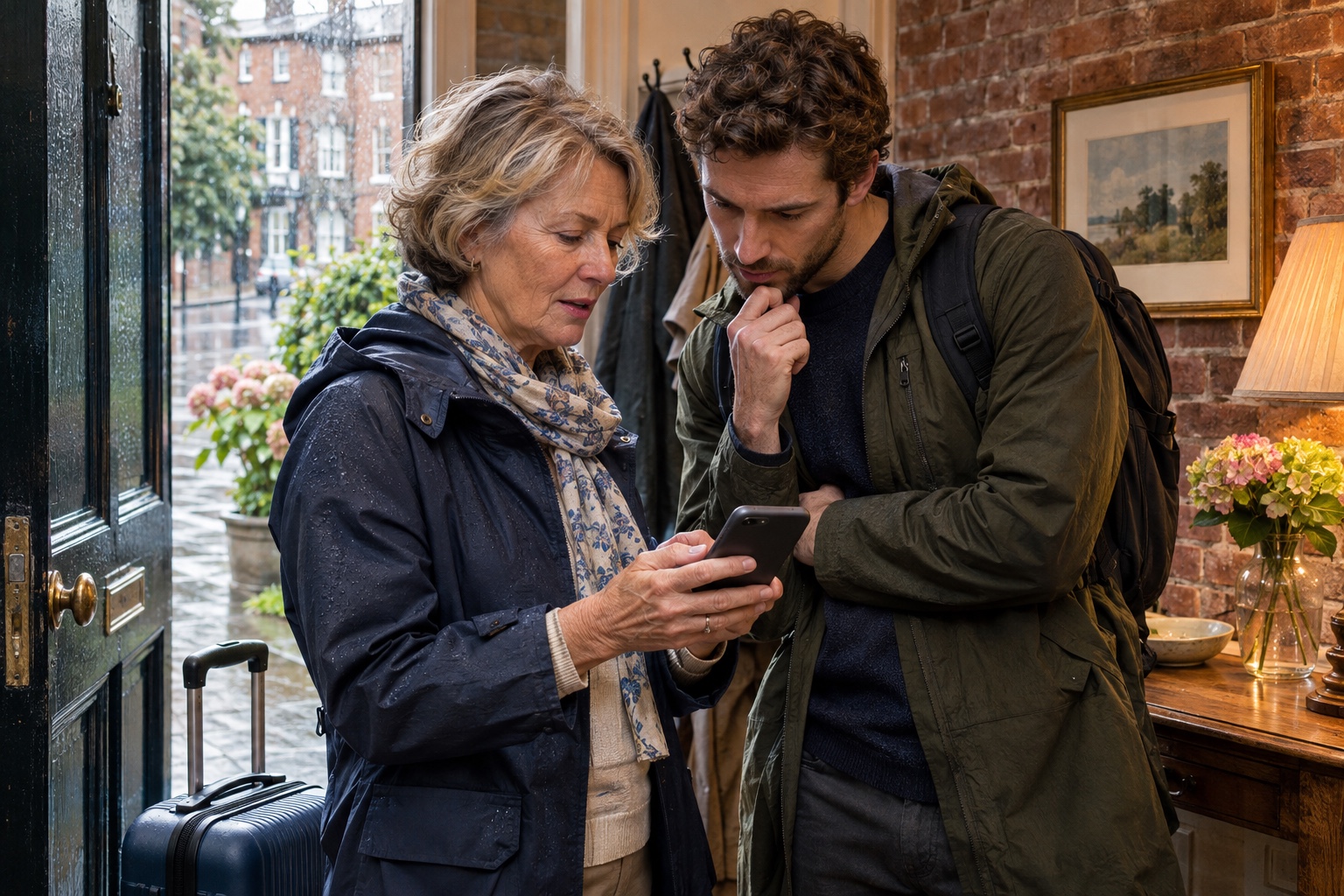
LemonSIM emails the QR code after payment. Use an inbox someone will be able to check before the trip. If the email comes to you, keep the order number and send the installation details to the traveler through a private one-to-one message. If the traveler receives the email directly, ask them to confirm it arrived and keep a record of the order number yourself if you’re helping with support.
Check that you have the installation email as well as any payment receipt. If the installation email is missing, check spam and confirm which address was used at checkout. Keep the order number handy and ask support to trace the delivery before placing a second order. A payment confirmation alone may give the traveler no way to install the line. Conversely, the traveler needs the installation details, the plan name, and the agreed timing. They can leave payment information with the buyer.
Only the traveler should install the eSIM, on the phone they will bring. Treat the QR code or install link as an activation credential. Displaying the image on a second screen for the traveler’s phone to scan is fine. Starting Add eSIM on your own phone to test it can download the profile to the wrong device. LemonSIM’s eSIM guide explains that the code can usually be used only once and that the plan starts at installation.
How do you give someone the details remotely?
First, send a short note identifying the destination, allowance, and intended first day of use. Ask the traveler to confirm that they have the details and know which phone to use. If you’re planning a surprise, you can tell them that you’ve covered mobile data and send the installation material closer to departure, once you’ve verified the phone.
Here’s a handoff note you can adapt:
This is your Japan data plan for your trip. Save the installation email now. On your travel phone, follow the eSIM instructions on reliable Wi-Fi shortly before you need data. Message me before trying again if you see an error, and I can look up the order number.
The person doing the installation should be able to open the email without depending on that new mobile connection. If the recipient has only one screen, send the one-phone eSIM installation guide in advance. They can check which installation method their phone and order email support while they still have reliable internet.
If you’re helping by video call, keep the code out of a recording or shared screen with other people. Ask the traveler to tell you what the phone says as they go. It helps to agree on when they will do it and how to contact you if the hotel or airport Wi-Fi gives them trouble.
What if you’re buying for two or more travelers?
Give each person who needs independent mobile data their own installation details. If two people are on the same itinerary, their order emails may look alike. Mix up the codes and someone may install a plan intended for a different country, a longer stay, or a person who has yet to depart.
Keep a plain list with traveler, destination, allowance, day they need data, and order number. Leave the QR codes out of any shared itinerary. Open each email, match it against the list, then send it only to the intended traveler. Ask them to reply when they’ve received it, and mark which person has installed. Labeling each eSIM on the phone with its destination also makes it easier to identify if someone has bought more than one plan.
For example, two friends might land together in Tokyo while one flies home after five days and the other continues around Japan for two weeks. Check each person’s dates and select their plan individually. Send separate messages with the matching order details even if both travelers will set up side by side. If one person plans to share data from their phone, consider whether the travelers need to navigate or message each other when they split up before relying on a single connection.
What if the wrong person scans the code or it says it’s already used?
Ask what happened after the scan. If the eSIM was added to a phone, leave the profile there while you check with the provider. Deleting it can remove a working profile without making its QR code usable again. If nobody sees the profile, note the exact error, the phone model, and whose device you were trying to set up. Stop repeated scans while you find the order.
Use LemonSIM support to ask about the options for that order. Include the order number, destination, phone model, and error message. Keep the activation code and payment details private. If the traveler is already at the airport, agree on a meeting point or another way to get online while you sort out the plan.
Before you pay, check the traveler’s phone and itinerary. After payment, check that the right person has the unused details, understands when the plan starts, and knows where to find the order number if something goes wrong.