
A Cairo airport SIM card is useful only if it gets you through the next task: contacting your driver, opening the hotel address or arranging your onward journey. Before paying at a counter, decide whether you need an Egyptian phone number or simply mobile data. Then check the offer and test the connection before leaving. If you prefer to arrange data before flying, compare Egypt eSIM plans and keep a pickup fallback available offline. For other stops on your trip, check the travel eSIM destination list.
This checklist focuses on the handover from airport arrival to your first ride. For the wider choice between local SIMs, roaming and travel eSIMs across your itinerary, use our Egypt connectivity guide. Counter locations, opening hours and offers can change; this is not a live directory of airport shops.
What should you save before looking for a Cairo airport SIM card?
Prepare a small arrival pack while you still have a reliable connection. Store it on the phone itself, where you can open it without signing in or downloading another attachment:
- Your flight number, arrival date and the terminal stated by your airline.
- The hotel name, full address and a saved location pin or map image.
- Your driver’s or transfer company’s contact details and agreed meeting instructions.
- A backup meeting arrangement if your flight is delayed or messages do not go through.
- Your mobile-plan order reference and support details, if you bought one in advance.
Ask the person collecting you how they expect to communicate. A message in an app you already use, a normal voice call and an SMS are different services. If a driver needs to call an Egyptian number, a data-only package does not provide that number. Agreeing to use an existing messaging account may solve the problem, but confirm this before departure.
For a late arrival, ask your transfer provider what happens if you cannot get online. An agreed meeting point and waiting procedure are more useful than a plan that assumes you will find Wi-Fi instantly. Keep your battery charged and your power bank accessible: a valid data package cannot help once the phone switches off.
What should you ask at the SIM counter before paying?
If you want to buy at the airport, ask airport information where the operator’s staffed sales point is in your arrival terminal. Confirm its opening hours for your flight rather than relying on an old review. Do not plan around a particular shop, price or queue length unless the operator has confirmed it for your arrival.
At the counter, ask for the complete offer in writing or on an official price display. Work through these questions before accepting installation:
- What is the total amount payable? Ask about the SIM itself, the package, activation and any taxes or other charges. Confirm the payment currency.
- How much general mobile data is included? Ask whether the advertised allowance includes bonuses restricted to certain apps or a different type of unit.
- When does validity start and end? Get the expiry date for your purchase, particularly if you arrive close to midnight.
- Are ordinary calls and SMS included? If you need a local number, ask staff to identify it and explain the included services.
- What documents are required for this specific offer? Bring your passport and confirm the operator’s registration process directly; do not assume one person’s earlier experience covers your circumstances.
- How do you check the balance or get help later? Save the official app, service instructions and receipt before you move on.
A cheap headline price may be a poor fit if the allowance excludes what you need. Explain the actual task—maps, messages and a call to the hotel—rather than asking only for the biggest number of gigabytes. Keep your phone in view while staff help, and enter any private account passwords yourself.
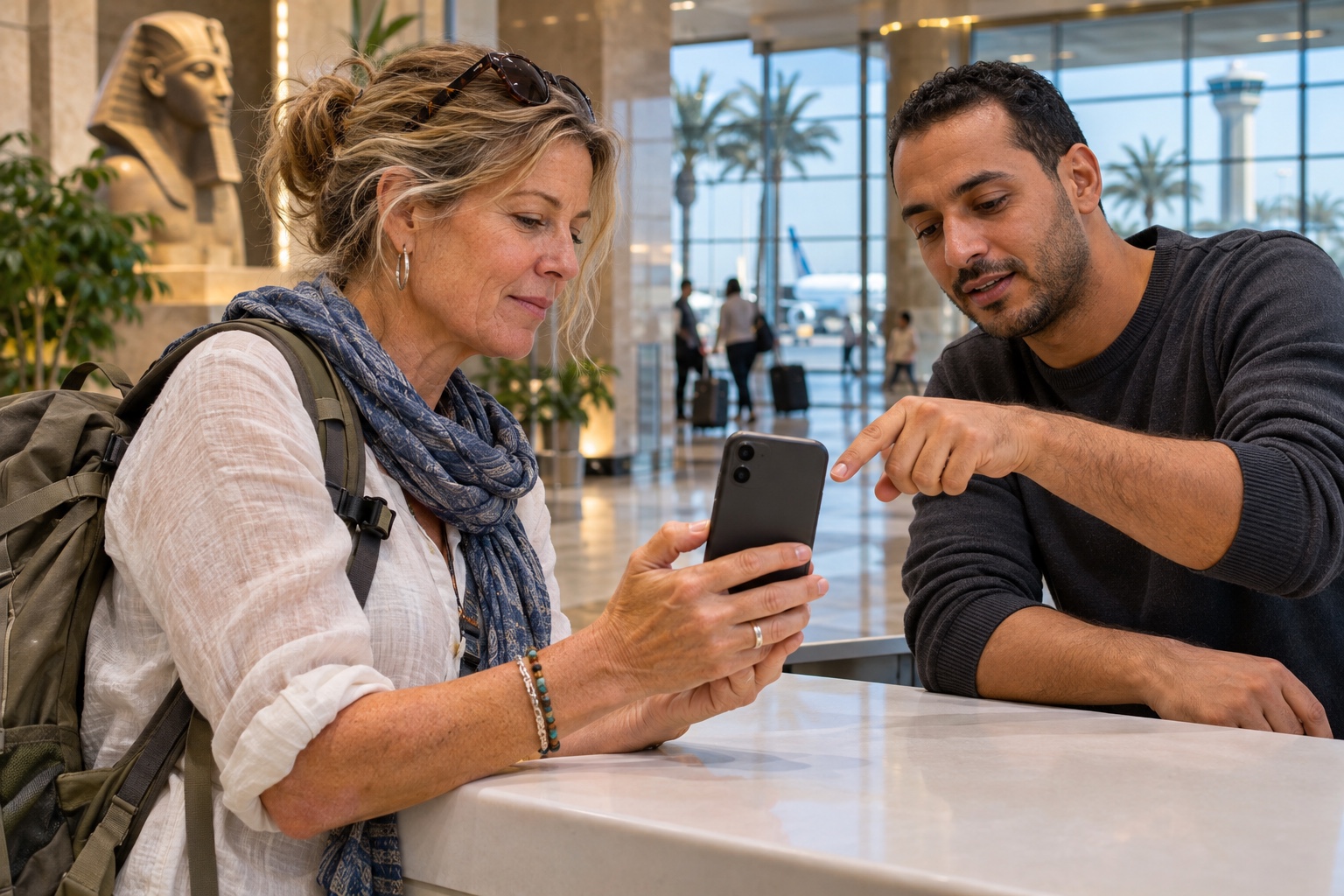
How do you test the SIM before leaving the counter?
Treat a connection test as part of the purchase. Signal bars alone show neither that mobile data works nor that voice service is included. Once the operator says activation is complete, stay nearby and run a short check on your own phone.
Turn Wi-Fi off temporarily, then open a fresh web page you have not just viewed. Send a new message to your pickup contact and wait for a response if possible. Open the destination address in your chosen map app. A previously saved map or an old conversation can appear normally even with no working mobile connection, so make at least one fresh request.
If the package includes a local number and you need it for ordinary calls, ask staff to show you the number and help you confirm that the promised voice service works. Check any charges before making a test call. Save the number in your arrival notes; having it only on a loose package makes it easy to lose.
Before leaving, keep the receipt and the package details together. Note the expiry and the official support route. If the phone needs a physical SIM swap, keep your home SIM in a secure holder rather than loose in a pocket. If a test fails, ask staff to resolve it while you are there instead of buying another package immediately.
When is a pre-bought data eSIM the easier arrival option?
A travel eSIM can remove the need to shop at a counter when your immediate tasks use data. It does not replace every local SIM feature. LemonSIM’s Egypt plans are data only: no local phone number, ordinary calls or SMS are included. Check your driver’s contact method before choosing this route.
Your phone must support eSIM and be carrier-unlocked; check the actual device before purchase using the phone-unlock guide. A physical SIM slot or a familiar phone model name alone does not establish that a particular regional device can use an eSIM.
LemonSIM’s FAQ says that buying does not start an eSIM plan, but installing it does, with installation counting as day one. Arrange installation shortly before you need data on a reliable connection; if the QR code is on your only phone, follow the separate guide to installation without scanning a QR code.
For a week-long visit, review the Egypt seven-day unlimited eSIM against your actual arrival and departure times. Read the current allowance, validity and network details rather than assuming “unlimited” guarantees a particular speed everywhere. This guide does not promise a connection in every terminal corner or during every transfer.
After landing, follow the provider’s arrival instructions, then perform the same fresh-page and message tests described above. Keep your home carrier’s charges in mind if you leave its line available for ordinary calls or texts.
How do you reach your pickup if data still does not work?
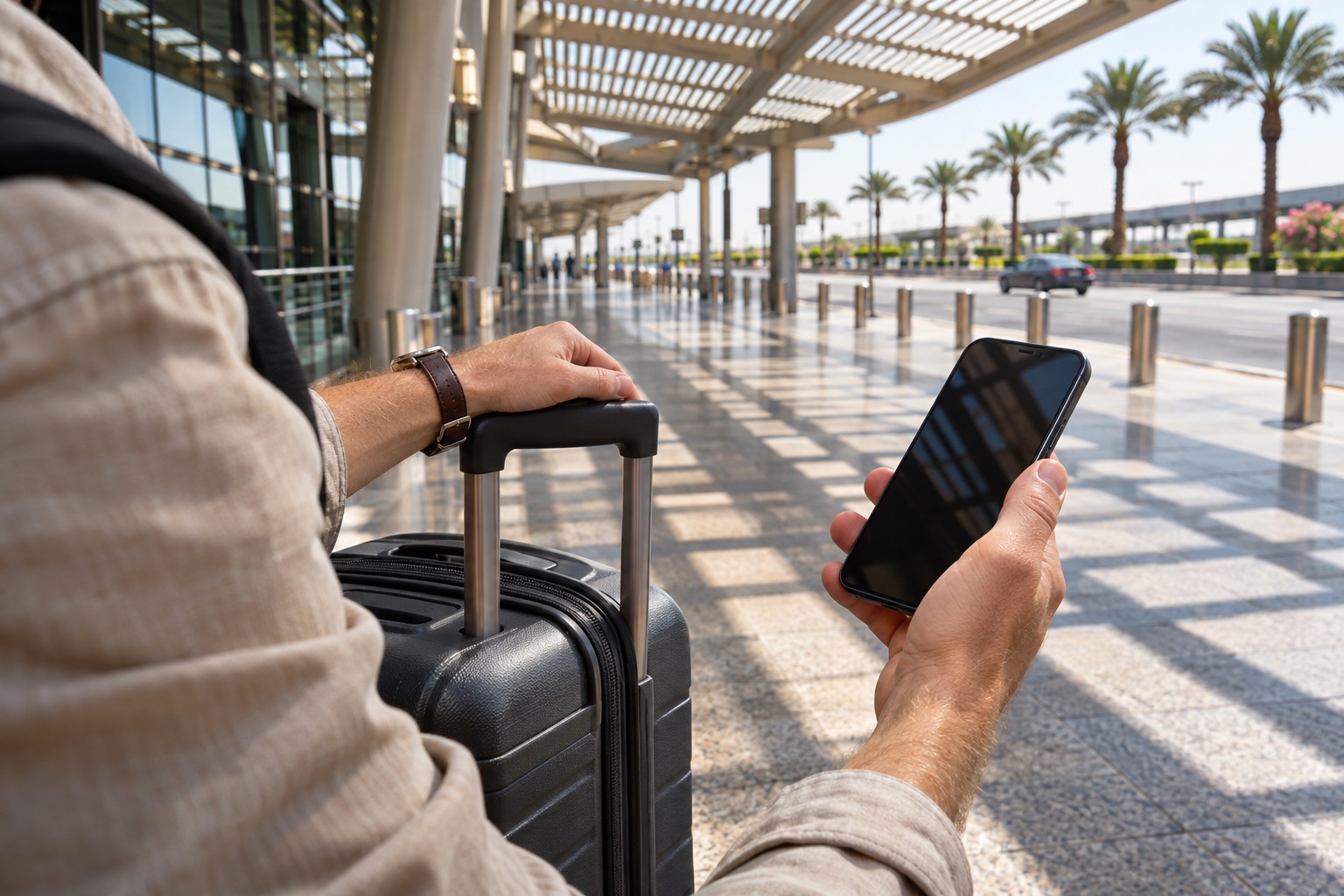
Start with the saved meeting instructions. If a driver gave you a specific public meeting point, follow that agreement; a moving map pin or the nearest curb may not be the agreed place. Ask airport information for help locating the area if the wording is unclear.
If you have a connection, send one concise update: your terminal, your current meeting landmark and whether you are ready to leave. Confirm the revised location before moving. Repeated messages from different doors can make an otherwise simple pickup harder, particularly when one person has a weak connection.
If you have no data, use the backup contact or meeting procedure agreed before departure. You may be able to use an available airport connection, but do not make the whole arrival depend on its availability or sign-in method. If an ordinary call is necessary, check which line you will use and what it costs first.
Once you reach the hotel, review the remaining trip rather than treating airport success as proof of coverage everywhere. Save support and balance information, and keep tomorrow’s address accessible offline too.
What should your final arrival check include?
Before leaving the terminal, you should know what you bought, when it expires, how to contact support and how to reach your pickup. You should also have completed a real mobile-data test with Wi-Fi off, and a voice check if ordinary calls were part of your purchase.
Choose a local counter offer when its confirmed services fit your needs, especially if you require an Egyptian number. Choose a travel data eSIM when your phone supports it and your arrival tasks can be handled over data. Browse LemonSIM travel eSIM destinations before departure, and carry the same offline arrival pack whichever option you choose.