
Planning UAE eSIM internet calls starts with a question that a gigabyte allowance cannot answer: how will you reach the people who matter during your trip? A data connection, an app account and a regular phone number serve different purposes. Buying one does not automatically supply the others. Before paying for a package for Dubai or Abu Dhabi, decide whether you need app conversations, scheduled work meetings, ordinary telephone calls, or a mixture.
Start with the current UAE travel eSIM packages, then match a plan to those tasks. LemonSIM lists these packages as data only, without a phone number, regular calls or SMS. That makes the calling arrangements part of your purchase decision, particularly if your family expects to reach you by pressing the same call button they use at home.
What does a data-only eSIM provide for UAE internet calls?
A data-only package supplies mobile internet access under its coverage, allowance and validity terms. An internet calling service uses that connection, but has its own availability, account requirements and charges. Ordinary calls to a hotel landline or a relative’s mobile number require a service that actually supports calling those numbers. An app-to-app conversation is a different arrangement.
Write down your essential contacts before choosing data. For a leisure trip, that might mean a family member at home, the transfer provider and your accommodation. For a business trip, add the meeting organizer and the person who can reschedule if you cannot join. Against each name, note whether you can use messages, an approved app meeting, or a regular telephone call.
If ordinary calls are essential, compare your home carrier’s UAE roaming terms with a local voice-inclusive option from a licensed provider. Ask specifically about outgoing calls, incoming calls, international destinations and any daily charges. A bundle described as offering data should not be treated as including voice minutes. Equally, do not assume that keeping your home number available makes incoming calls free.
Once you know which tasks need mobile internet, use the travel eSIM selection to compare the data side of your trip. Keep your voice-service decision alongside it, so neither purchase depends on an unconfirmed feature of the other.
What should you check before making UAE eSIM internet calls?
The UAE regulates internet voice and video calling. TDRA’s official VoIP FAQs explain that services provided with licensed operators or approved by the regulator are allowed. Check the current approved-service information and confirm the exact service with your provider before relying on it.
A familiar app name, a successful download or a working text message does not establish that its voice and video features are available for your circumstances. Check the calling function separately. Do not buy a travel eSIM on the assumption that overseas routing makes an unavailable app usable or changes local rules.
For each service you intend to use, check:
- Whether the exact calling or meeting service is currently approved for use in the UAE.
- Whether both participants need an account, an invitation, or the same application.
- Whether registration or sign-in requires access to a particular phone number.
- Whether there are subscriptions, calling credits or provider-specific conditions beyond mobile data.
- Whether your employer allows that service for a work conversation.
Do this while you can still discuss alternatives with the other person. A parent who is comfortable answering an ordinary call may need help joining a meeting link. A client may have a company-approved platform that you cannot replace with a personal messaging app. Resolve those details before you choose a package around daily video conversations.
How should family check-ins and work meetings be arranged?
Choose one primary contact method and one fallback that the other person understands. For example, agree to send a brief arrival message, then arrange a conversation using a service you have checked. If a call cannot connect, agree that you will send a message with a new time instead of repeatedly trying the same button.
Before travel, test joining the intended service with the actual device and account you will carry. This helps reveal an expired password, an invitation that requires a work account, or a microphone permission problem. A test at home does not confirm UAE availability; it simply removes avoidable account and device surprises from your arrival day.
For work, ask the organizer to confirm the platform and send the invitation early. Save the meeting time in your destination’s local time and keep the organizer’s contact details available offline. If the invitation includes a telephone dial-in alternative, verify its country, charges and whether your separate voice service can use it. A dial-in number does not become a data call just because it appears beside a meeting link.

Choose a quiet place for important conversations, and check the connection before the appointment. Ask the accommodation about its actual working area and Wi-Fi access rather than relying only on a general amenity listing. If mobile data is your fallback, test that connection separately; a successful hotel Wi-Fi test says little about the mobile link.
For a trip with several essential meetings, compare the UAE data package range after making those arrangements. A larger allowance may cover more usage, but it cannot guarantee the meeting service, reception inside your room, or uninterrupted video.
How much data should you buy for calls and meetings?
Base the allowance on the conversations you actually expect, plus the rest of your travel use. Count the likely number and length of meetings, whether you need video, and whether you will also navigate, upload photos or share a connection. A trip with occasional short conversations is different from one with a two-hour daily meeting.
Avoid treating a single data-per-minute estimate as a guarantee. App settings, video quality, participant layouts and other activity can change consumption. If possible, use your phone’s data counter to observe a representative session before the trip, checking that its measurement period matches your test. Add room for maps, messages and unexpected schedule changes.
For a seven-day visit with modest mobile use, the UAE 3 GB / 7-day eSIM is one package to compare. If your measured use needs more headroom, compare the UAE 5 GB / 7-day eSIM. Neither label promises a particular number of video-call hours. Choose only after checking your required service days and likely total use.
Check the validity window as carefully as the allowance. LemonSIM’s current FAQ says the plan starts when you install the eSIM and the installation day counts as day one. Install on Wi-Fi shortly before you need data, and check the stated expiry rules against your last important contact. Your phone must support eSIM and be carrier-unlocked.
Do not assume you can extend the same eSIM if meetings run longer than expected. LemonSIM currently says its eSIMs cannot be topped up; additional data or days require a new plan. Review remaining service time before the last connection you are depending on, especially if the return journey includes another overnight stop.
What should you test after landing before an important call?
Begin with the task you need immediately. Open the saved accommodation address and send your agreed arrival message. Then, in a suitable place, turn off Wi-Fi briefly and check ordinary browsing over the mobile connection. This separates a basic data problem from a problem affecting only a calling service.
If data works but the conversation does not connect, check the invitation, account, permissions and the service’s current availability. Do not delete the eSIM as your first response to an app-specific problem. Use the fallback you agreed with the other person, and contact the relevant service or connectivity provider with a clear description of what works and what fails.
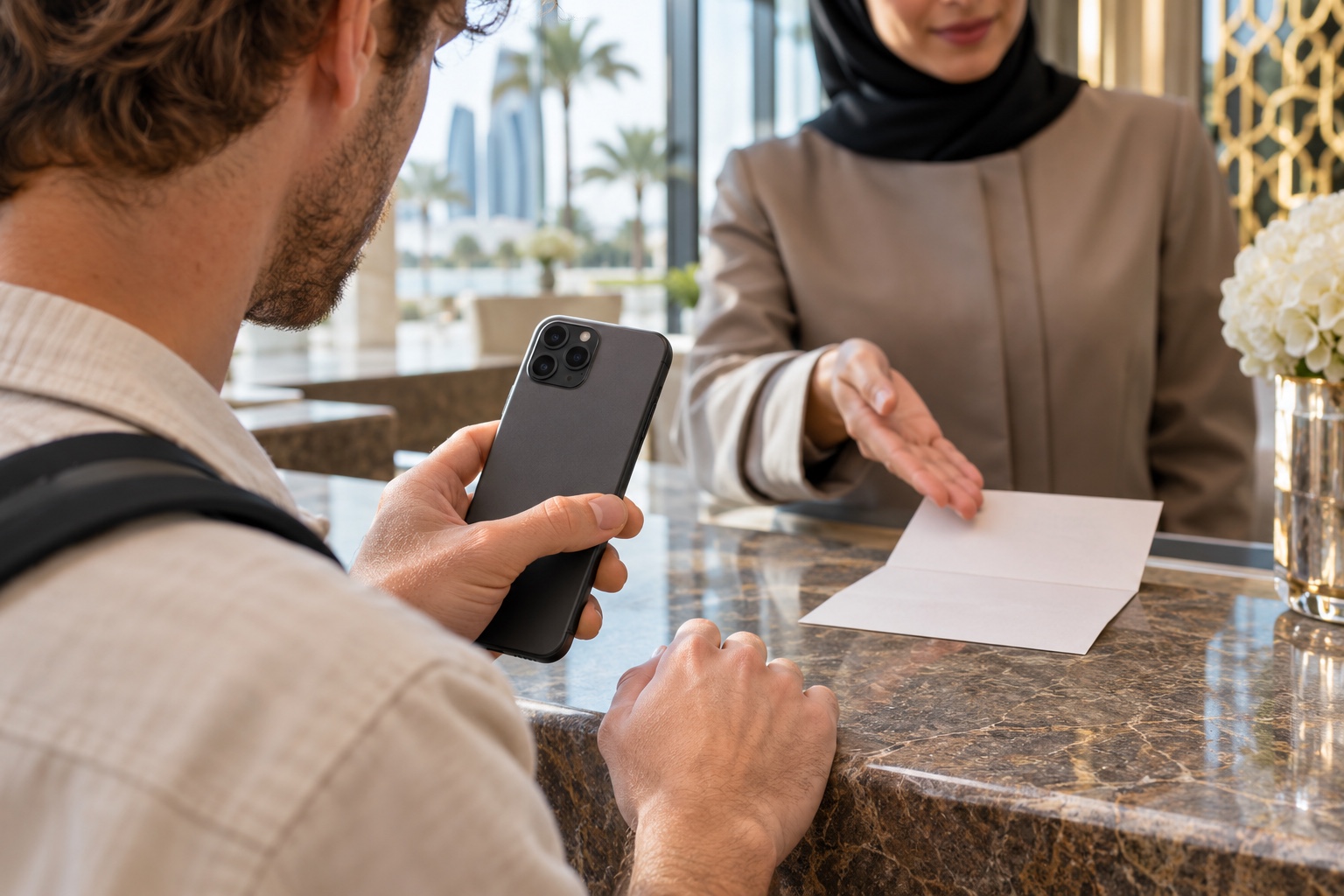
For an airport pickup, save the meeting instructions and a fallback arrangement before departure. Ask whether the provider can accept a written message instead of an immediate voice call. If it requires ordinary telephone contact, arrange that voice service in advance rather than assuming a data-only package can place the call.
For a work meeting, run the mobile test early enough to change location or notify the organizer. Keep the important details available on the device, including the invitation and contact method. A few minutes spent checking the actual task is more useful than discovering a sign-in problem when everyone else is waiting.
Choose data after the calling plan is clear
The practical buying order is straightforward: identify who you must reach, confirm the calling service, arrange ordinary voice calls if needed, then select enough mobile data for the journey. This keeps a purchase decision grounded in the conversations you actually intend to have.
With an agreed contact method and fallback ready, browse LemonSIM travel data plans and choose the allowance and service period that fit. Recheck app availability before departure, then test the connection after arrival before relying on it for something time-sensitive.