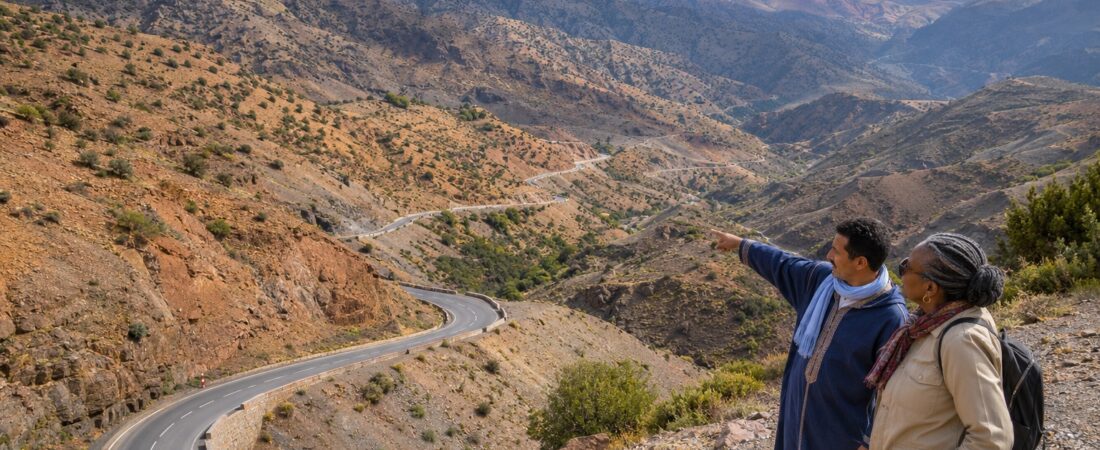
Marrakech to Merzouga mobile coverage matters most when you need to find a turn, reach your driver or tell your desert camp you’re running late. Set up your route while you’re online in Marrakech, plan to check messages at stops along the way, and save your camp’s meeting point before the final transfer. A Morocco travel eSIM can handle maps and messages within its partner networks’ coverage. Download the route in advance so a weak connection doesn’t leave you looking for the next turn. If your trip starts outside Morocco, check the eSIM destination directory for your other stops.
How Does Marrakech to Merzouga Mobile Coverage Vary Along the Route?
Morocco’s national tourism office includes Marrakech, the Ouarzazate and Tinghir region, and Merzouga in its southern Morocco desert itinerary. Your driver or tour may take a different route or skip some stops. Get the stop list first, then use it to decide where a connection matters. The following are planning points based on the terrain and services along a common route. Signal varies by exact location, and there is no verified road-by-road signal survey behind these suggestions.
- Marrakech and the High Atlas crossing. In Marrakech, open the day’s route, save the first accommodation pin and send any message that needs a prompt reply. If you’re crossing on the N9 via Tizi n’Tichka, have directions available offline before you climb. Around bends and ridges, a connection you used at the last stop may drop before the next one.
- Ouarzazate to Tinghir. Use a planned stop in Ouarzazate, Skoura or Tinghir to refresh messages and check the next turn off the main road. If you’re detouring into Todra Gorge, save the entry point, parking location and route back to Tinghir. Treat the gorge and the town as separate places when asking about signal.
- Tinghir to Merzouga and Erg Chebbi. If your itinerary passes through Erfoud or Rissani, use the stop to confirm pickup before the final drive. Save the vehicle meeting point in or near Merzouga and the camp location separately. A camp may send you instructions to meet a driver at a roadside office or parking area before a transfer into the dunes.
At each stop, try sending a short message or loading a new page. A loaded map may be cached, and a signal icon alone doesn’t tell you whether an upload will finish. If a message sits in the outbox, check that it actually sends when you reconnect.
Which Networks Should You Check Before Buying an eSIM?
The LemonSIM Morocco destination page lists Maroc Telecom, Orange and inwi as 4G partner networks and says availability can vary by plan and location. Open the plan you’re considering and check its network details. For the places where being reachable matters most, ask your hosts which operators worked recently at the exact property. A host who says they made a WhatsApp call from the reception area can tell you more about that spot than a general claim about national coverage.
Give the host the name of the camp or guesthouse and ask where their phone worked. If they say they had signal on a ridge or in a nearby village, plan to use that connection before checking in. If a guide suggests a particular local operator for your itinerary, check that network against your eSIM’s partner list. The Morocco eSIM guide explains the country plans and what to check before you install one.
How Do You Make Offline Maps Work for the Whole Drive?
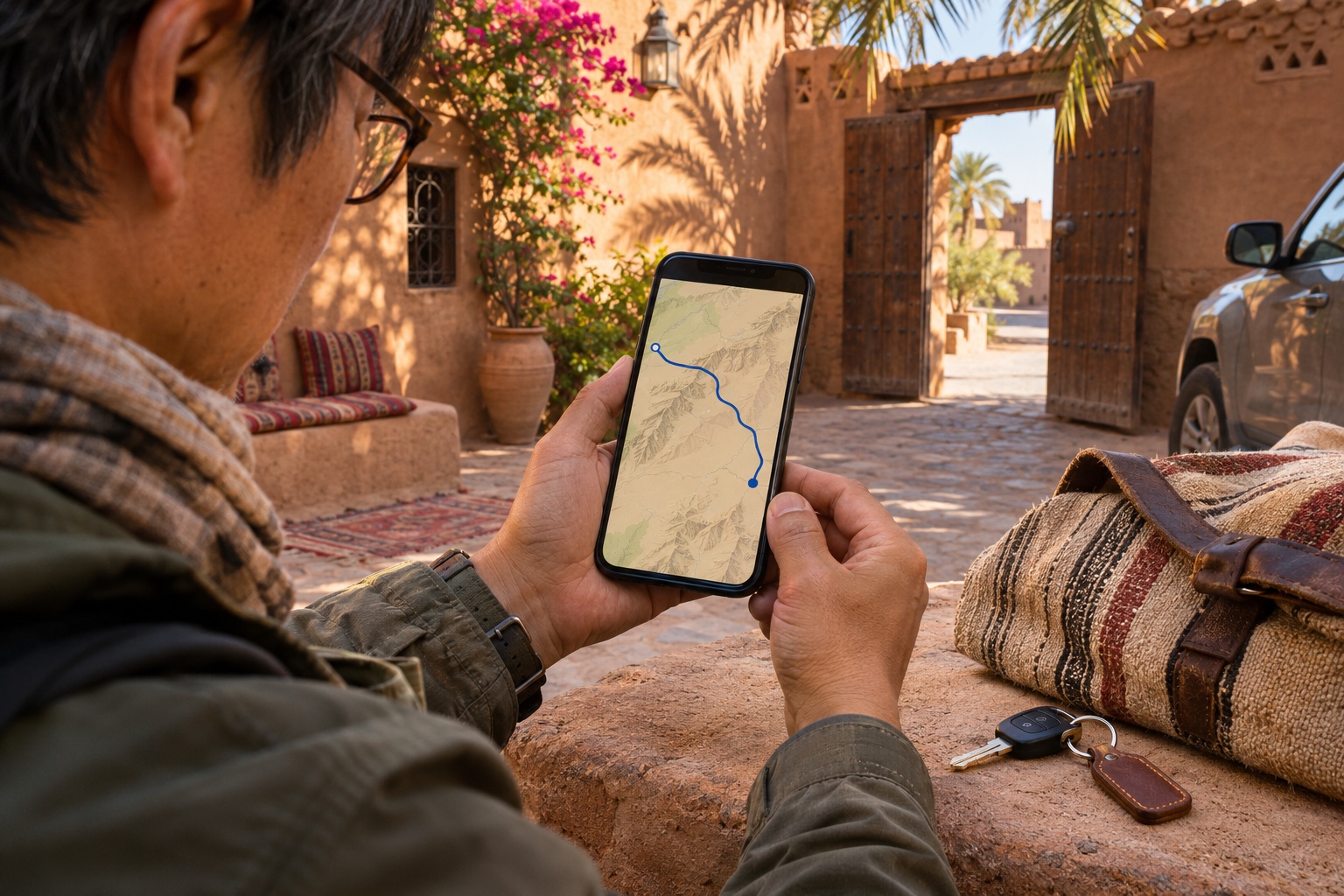
Download maps on reliable Wi-Fi before leaving Marrakech. Include the roads between the towns as well as Marrakech, your overnight stop and Merzouga. If your app divides the trip into several downloads, overlap the areas and include any planned detour and the return route. Google Maps’ offline navigation guide says the entire driving route must be within the downloaded area. Live traffic and alternate routes are unavailable offline.
- Save the places you’ll need to find. Mark the guesthouse, parking lot, camp pickup and fuel stops. Put the addresses and booking references in a note available offline. Write down a landmark near the meeting point in case similar business names come up on the map.
- Test on the phone you’ll take. While you’re still at your accommodation, turn on airplane mode, keep Wi-Fi off and try to pull up the next leg in the navigation app. If it can’t find an important stop, check the download area and save a screenshot of the host’s directions as a backup.
- Give someone else a copy. Share the route, booking details and driver contact with another person in the group. Keep a charging cable handy for the drive. If your phone is flat when you reach the pickup, a second device with the saved instructions can get you to the right place.
Before you leave, send your next host an arrival window and agree where to wait if your messages stop going through. A screenshot of a camp reservation often helps at the pickup because it puts the name, date and reference on one screen. If your route changes, download the extra map area the next time you have Wi-Fi.
Can You Get Online at an Erg Chebbi Desert Camp?
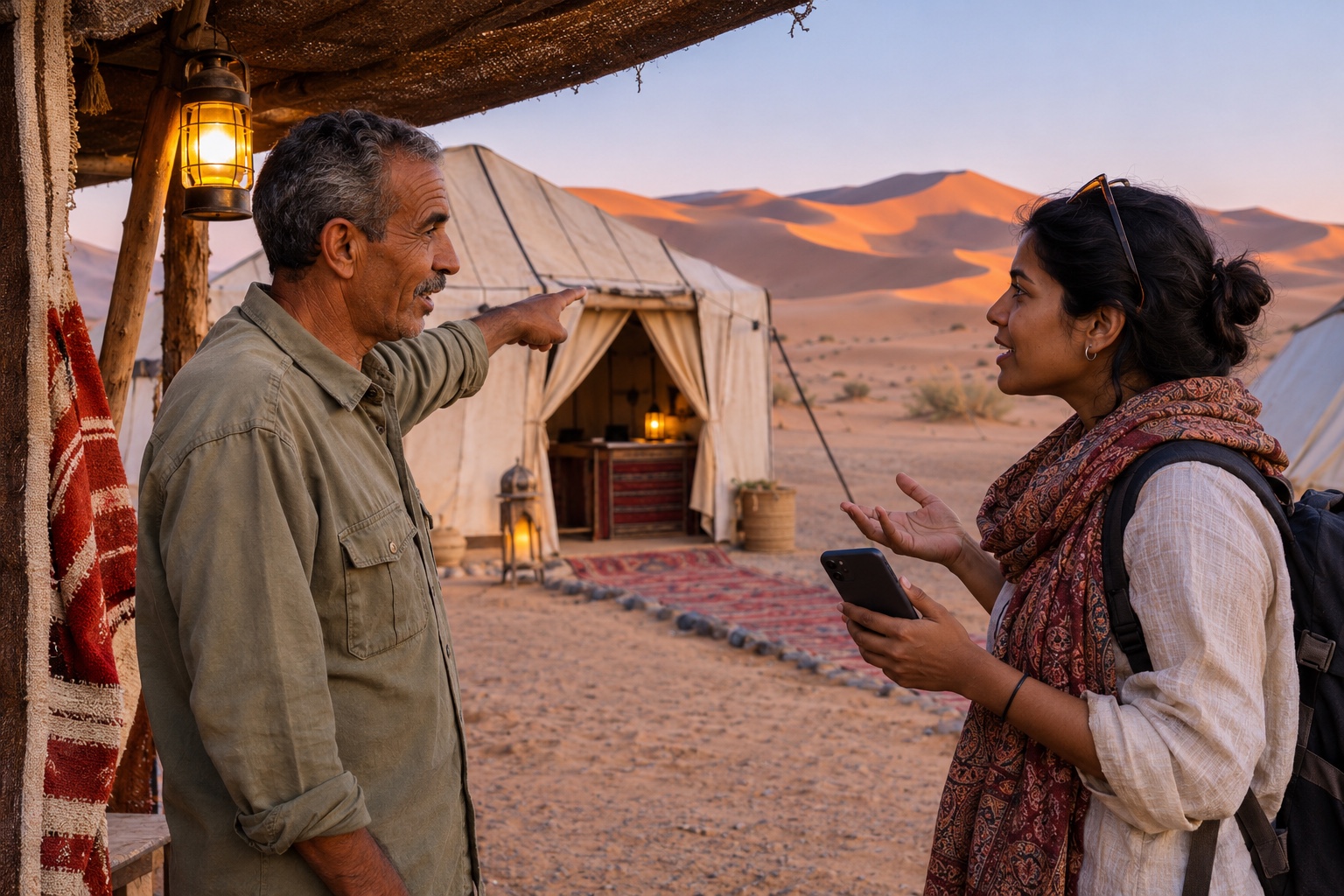
Ask the camp about its own connection. The village, the transfer point and the tents can have different reception. Camp Wi-Fi may be available in the dining or reception tent. If you need to join a call, ask where guests can connect, when the connection is available and whether staff have used it for a call recently. Schedule time-sensitive work from a location that can confirm a suitable connection.
A short message with a new arrival time is easier to send on a weak connection than a video or a batch of photos. Tell anyone awaiting a check-in when you expect to be back online. If you need to call an ordinary phone number, a data-only eSIM needs an internet calling service that supports that call. For direct calls and SMS, arrange service separately and check the charges on any home line you keep active. See the guide to using your main number with a data eSIM if you plan to carry both lines.
How Much Plan Time Do You Need for the Drive and Return?
Count from the day you install the eSIM through the last day you need data. For example, if you install in Marrakech, spend a night near Tinghir and another near the dunes, and drive back before flying out, include the Marrakech days as well as the desert nights. The LemonSIM eSIM validity guide gives the daily cut-off. Check it in local time before choosing a plan that just covers your dates.
The five-day unlimited Morocco eSIM currently lists for US$29. It can fit that itinerary if the five plan days reach your last transfer. If you arrive early or stay longer afterward, compare durations before installation. Unlimited data describes the allowance under the plan’s terms. The unlimited eSIM fair-use guide explains why the allowance and the connection you can actually use are separate questions.
Before heading across the High Atlas, check that you can find the next bed, fuel stop and meeting point with Wi-Fi and mobile data off. Confirm a place to check in at each end of the drive, then browse eSIM plans by destination for the days when you’ll need live maps, messages and bookings.