
Morocco is a country you navigate with your phone in hand: lanes in the Marrakech medina that don’t show up properly on maps, train times between Casablanca and Fes, riad hosts who send directions on WhatsApp, and long drives over the Atlas. This Morocco eSIM guide covers the practical side of getting mobile data there: which networks you’ll connect to, when to install so you don’t lose half of day one, how to pick between LemonSIM’s Morocco eSIM plans, and what to do when your trip is longer than the longest plan.
Everything below is based on what the LemonSIM plan pages and FAQ currently say. Where something depends on your phone or your route, we’ll tell you how to check it yourself.
What Morocco eSIM Plans Are There Right Now?
LemonSIM currently sells three Morocco plans, all with unlimited data. The only choice you make is the number of days:
- Morocco unlimited 3-day eSIM: currently $17.50
- Morocco unlimited 5-day eSIM: currently $29.00
- Morocco unlimited 7-day eSIM: currently $35.00
That makes the usual “how many gigabytes do I need?” question much simpler than in most countries. Instead of estimating maps, video calls and uploads, you only need to count days, and count them correctly, which is where the plan-day rules matter (more on that below). Prices can change, so check the plan page for the live price before you buy.
Which Networks Does a Morocco eSIM Use?
The Morocco plan pages list three partner networks, all marked 4G:
- Maroc Telecom
- Orange
- inwi
Your phone connects to the best available network on its own, and the plan page notes that partner networks can vary by plan and location. In practice that means you don’t need to pick a network or change settings. If you’re in a spot where the signal is weak, walking a few minutes or switching airplane mode off and on often makes your phone look again.
What we can’t give you is a guarantee for every mountain valley or desert camp. If your itinerary includes the Sahara, the High Atlas or long rural drives, download offline maps of those areas on Wi-Fi before you leave the city, and save your accommodation’s address and phone number somewhere you can read them without signal.
Before You Fly: Check Your Phone
An eSIM only works on a phone that supports eSIM and is carrier-unlocked. Two quick checks:
- Look for an EID. Dial *#06# on the keypad. If a 32-digit EID appears, your phone has eSIM hardware.
- Check the model on LemonSIM’s eSIM compatible phones list, and if you bought your phone from a carrier, confirm with them that it’s unlocked.
Do this before you buy. LemonSIM doesn’t offer change-of-mind refunds (except where required by law), and LemonSIM sells physical SIM cards only for the USA, Europe and Japan, so there’s no LemonSIM SIM card backup for Morocco if your phone turns out to be locked.
If you want to keep your home number active for calls, texts and bank codes while using the eSIM for data, set your phone up as dual SIM. Our guide to running your main number and a data eSIM side by side walks through it.
When to Install Your Morocco eSIM (and Why the Time of Day Matters)
This is the part most travelers get wrong. LemonSIM plans follow three rules:
- The plan starts when you install the eSIM, and the installation day counts as day 1.
- Each new plan day begins at noon EDT (11:00 a.m. EST), wherever you are.
- Turning the eSIM off doesn’t pause it.
Noon EDT and 11:00 a.m. EST are both 16:00 UTC. For most of the year, Morocco’s clocks are one hour ahead of UTC, so a new plan day starts at about 5 p.m. Moroccan time. During Ramadan, Morocco moves its clocks back an hour, and the switch-over is then around 4 p.m. If in doubt, compare your phone’s clock with 16:00 UTC.
Here’s why that matters on arrival day:
- Land at 1 p.m. and install right away: day 1 ends at about 5 p.m. the same afternoon. Your “3-day” plan covers that afternoon plus two full days.
- Install at 6 p.m. instead: day 1 runs until about 5 p.m. tomorrow, so you get almost three full 24-hour periods.
So the rule of thumb for Morocco is simple: if you land in the early afternoon and can manage on airport or hotel Wi-Fi for a few hours, install after about 5 p.m. If you need data the moment you land (a taxi to arrange, a host to message), install on arrival and count that afternoon as a full plan day when you choose the plan length.
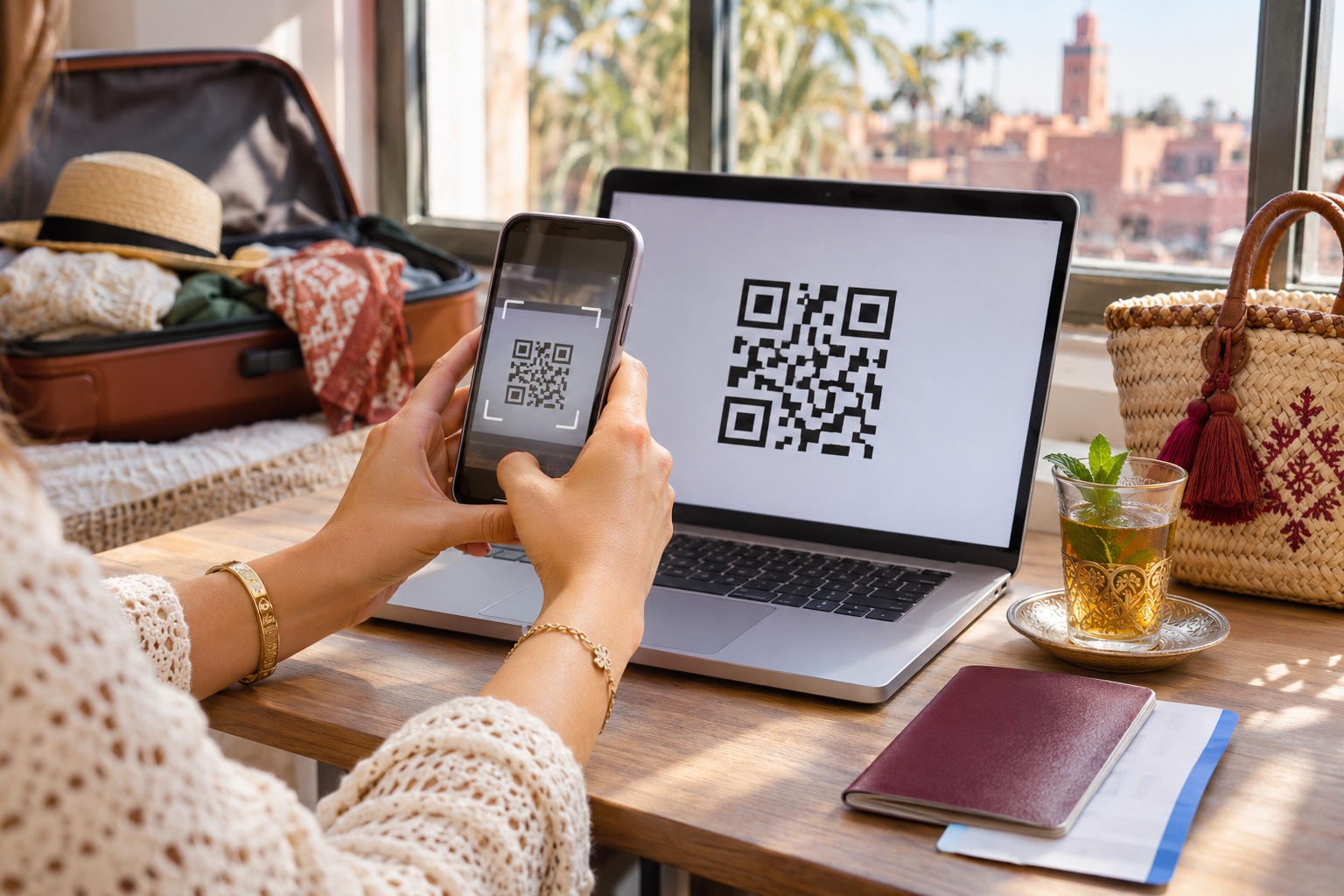
Whichever you choose, install on Wi-Fi. The QR code arrives by email after payment, and you usually need a second screen (a laptop, tablet or printout) to scan it from. If you’re travelling with only one phone, our guide to installing an eSIM without scanning a QR code shows the other ways in.
Turning It On When You Land
Once the eSIM is installed, getting online takes a minute:
- Make sure the LemonSIM line is turned on.
- Turn on data roaming for that line. Travel eSIMs need it to connect.
- Select the LemonSIM line for mobile data.
- Turn off data roaming on your home SIM, so it can’t use data abroad.
It usually connects within a few minutes. If it doesn’t, turn airplane mode on and off or restart the phone. LemonSIM’s How eSIM Works page walks through the same steps.
How to Choose Between the 3, 5 and 7-Day Plans
Because data is unlimited, choosing a plan is really choosing how many plan days you need. Count them like this:
- Start with the day you’ll install (day 1, even if it’s only an afternoon).
- Count every day you’ll want mobile data, including your departure day if you need maps to the airport or a ride booking.
- Remember that day 1 ends at about 5 p.m. Moroccan time, not at midnight.
Some typical trips:
- Long weekend in Marrakech (Friday evening to Monday): install after 5 p.m. on Friday and the 3-day plan runs until about 5 p.m. on Monday.
- Marrakech plus a desert tour (5 days): the 5-day plan covers a two-night Sahara trip with a few city days either side.
- Imperial cities loop (a week): Casablanca, Rabat, Fes and Marrakech by train or car fits the 7-day plan. At $35, it’s currently $5 a day.
If you’re right on the edge, one extra day is usually worth it. Running out of plan days on the way back to the airport is the moment you’ll most want data.
Trips Longer Than 7 Days: Use Two eSIMs Back to Back
The longest Morocco plan is 7 days, and eSIM plans can’t be topped up. If you need more days, you buy a new eSIM plan. For a longer trip, that simply means planning two eSIMs:
- 10 days: 7-day plan + 3-day plan, currently $52.50 in total
- 12 days: 7-day plan + 5-day plan, currently $64.00 in total
- 14 days: two 7-day plans, currently $70.00 in total
How to make the handover smooth:
- Buy both before you travel. Because a plan only starts when it’s installed, the second one won’t start counting days while it waits in your inbox. Check the email and product page for any installation deadline.
- Install the second eSIM on hotel Wi-Fi on the evening the first one runs out, ideally just after the daily switch-over at about 5 p.m. Moroccan time, so its first day is a full one.
- Switch mobile data to the new line, turn on data roaming for it, and turn the old line off. Don’t delete the first eSIM until you’re sure the new one works.
- Label the lines (for example “Morocco 1” and “Morocco 2”) in your phone’s SIM settings so you always know which one is active.
If you’re tempted to delete an eSIM to “start over”, don’t. A QR code can usually be used only once, so a deleted plan generally can’t be reinstalled.
Can You Share Your Morocco Data With a Hotspot?
Yes. All LemonSIM plans allow hotspot (tethering), so you can share your connection with a laptop, a tablet or a travel partner’s phone. With unlimited data, that’s a handy way for a couple or a family to share one plan on a road trip or in a riad where the Wi-Fi only reaches the courtyard.

A few things to keep in mind:
- Hotspot uses your phone’s battery quickly, so carry a power bank on long drives.
- Everyone’s devices rely on one phone’s signal. If the group splits up for the day, the people away from the phone are offline.
- Laptops can download big updates in the background. Turn off automatic updates before you connect.
Our eSIM hotspot and tethering guide covers the setup on iPhone and Android.
Practical Tips for Mobile Data in Morocco
- Save offline maps before rural legs. Medina lanes, mountain roads and desert tracks are where signal and map detail can both get thin. If you are heading into the desert, see our guide to mobile coverage and offline planning from Marrakech to Merzouga.
- Keep your home number reachable. With dual SIM, banking codes and calls still reach your home line while the eSIM handles data.
- Message your riad before you arrive. Many hosts send a meeting point outside the medina gates; having data on arrival makes this much easier.
- Bring a second screen for the QR code, or use one of the no-QR install methods.
- Note the 5 p.m. switch-over. It decides both when you install and when a plan ends on your last day.
Morocco eSIM FAQ
Does the Morocco eSIM include a phone number?
The plan pages describe travel data plans and don’t list a local phone number, so plan to use data apps such as WhatsApp for calls and messages. On a dual-SIM phone, your home number stays active for calls and texts.
Can I install the eSIM at home before my flight?
You can, but the plan starts on the day you install it, and that day counts as day 1. Installing a few days early uses up plan days you’ll never use. Install shortly before you need data, on Wi-Fi.
Does turning the eSIM off save days?
No. Turning the eSIM off doesn’t pause the plan. Days keep counting from installation.
Which network will my phone use in Morocco?
The plan pages list Maroc Telecom, Orange and inwi, all on 4G. Your phone picks the best available one automatically, and partner networks can vary by plan and location.
What if my phone doesn’t support eSIM?
LemonSIM doesn’t currently sell a physical SIM card for Morocco, so an eSIM-capable, unlocked phone is required for these plans. Check your phone before you buy.
Conclusion: Count Days, Not Gigabytes
With unlimited data on every Morocco plan, the decision comes down to plan days and timing. Check your phone, install on Wi-Fi, ideally after about 5 p.m. Moroccan time on arrival day, pick the 3, 5 or 7-day plan that covers every day you need data, and stack two eSIMs for longer trips.
Browse all Morocco eSIM plans, or see every destination LemonSIM covers on the LemonSIM eSIM page.