
Plenty of trips cover more than one country without a regional plan that fits them all. A classic example is a week in Thailand followed by a week or so in Vietnam. The good news: you can keep multiple eSIMs on one phone, one for each country, and switch between them in a few taps. You don’t need to swap plastic cards at a border, and you don’t need to delete anything halfway through the trip.
This guide walks through the whole process for a Thailand and Vietnam trip: how many eSIMs a phone can hold, when to install the second one so you don’t waste plan days, how to label and switch lines, and which LemonSIM plans fit each leg. You can browse all destinations on the LemonSIM eSIM page as you read. Everything below is based on what the LemonSIM plan pages and FAQ currently say; where something depends on your phone model, we’ll tell you how to check it.
Can You Have Multiple eSIMs on One Phone?
Yes. Most recent eSIM phones can store several eSIM profiles at once. What’s limited is how many lines can be active at the same time. On most dual-SIM phones that’s two: for example your home SIM plus one travel eSIM, or two eSIMs. The exact numbers depend on the model, so check your phone maker’s specifications if you plan to stack three or more.
For a two-country trip that’s all you need:
- Line 1: your home SIM, kept on for calls and texts (or switched off, if you prefer).
- Line 2: the Thailand eSIM, used for mobile data in Thailand.
- Line 3: the Vietnam eSIM, stored on the phone and switched on when you get there.
Before you buy anything, make sure your phone supports eSIM and is carrier-unlocked. The quickest check from the LemonSIM FAQ is to dial *#06#: if a 32-digit EID appears, your phone has eSIM. Our guide on how to check if your phone is unlocked covers the unlock side. If you’ve never run two lines side by side, running your main number and a data eSIM together explains the basics.
Choosing Plans for Each Country
Since every LemonSIM plan is data only, you’re really choosing two things per country: how many days, and whether you want a fixed amount of data or unlimited.
Thailand (first leg). The Thailand eSIM page has both fixed-data and unlimited plans. For a typical week of maps, ride-hailing, messaging and social media, a fixed plan is easy to size:
- The Thailand 10GB 7-day eSIM is currently $18.99, which works out at well over 1GB a day, more than the FAQ’s rule of thumb of about 1GB a day for maps, messages, social media and some short videos.
- The Thailand 20GB 7-day eSIM is currently $28.99, a better fit if you’ll share a hotspot, upload lots of video or work from a laptop.
The Thailand plan pages list AIS, TrueMove H and dtac as partner networks.
Vietnam (second leg). LemonSIM’s Vietnam plans are currently all unlimited, so you only count days:
- The Vietnam unlimited 7-day eSIM is currently $27.00.
- The Vietnam unlimited 10-day eSIM is currently $35.00.
Shorter and longer options (3 to 30 days) are on the Vietnam eSIM page, with Viettel, Vinaphone and MobiFone listed as partner networks. Prices change, so check the live price on each plan page before you buy.
You can buy both eSIMs before you leave home. Buying doesn’t start a plan; installing does.
When to Install Each eSIM
This is the part that saves you money. On LemonSIM eSIMs, the plan starts when you install it, and the installation day counts as day 1. Turning an eSIM off doesn’t pause it. So the rule for a multi-country trip is simple: install each eSIM shortly before you need it, not all at once at home.
A sensible timeline looks like this:
- At home, on Wi-Fi: install the Thailand eSIM the day you fly, or the evening before if your flight is early. Leave its line switched off until you land.
- In Thailand: use the Thailand eSIM for mobile data.
- On your last day in Thailand: install the Vietnam eSIM on hotel or airport Wi-Fi shortly before your flight. Keep the line switched off for now.
- On landing in Vietnam: switch the Vietnam line on and make it your mobile data line.
Why not install the Vietnam eSIM at home too? Because its days would start counting from that day, and you’d lose a week of plan time before you even arrive.
There’s one more detail worth knowing. Plan days reset at noon EDT (11:00 a.m. EST). Thailand and Vietnam share the same time zone, and that reset falls at 11 p.m. local time in both. If you install a plan at, say, 10 p.m., day 1 ends an hour later at 11 p.m., so avoid installing in the last hour or two before 11 p.m. Installing in the morning or afternoon gives you most of day 1.
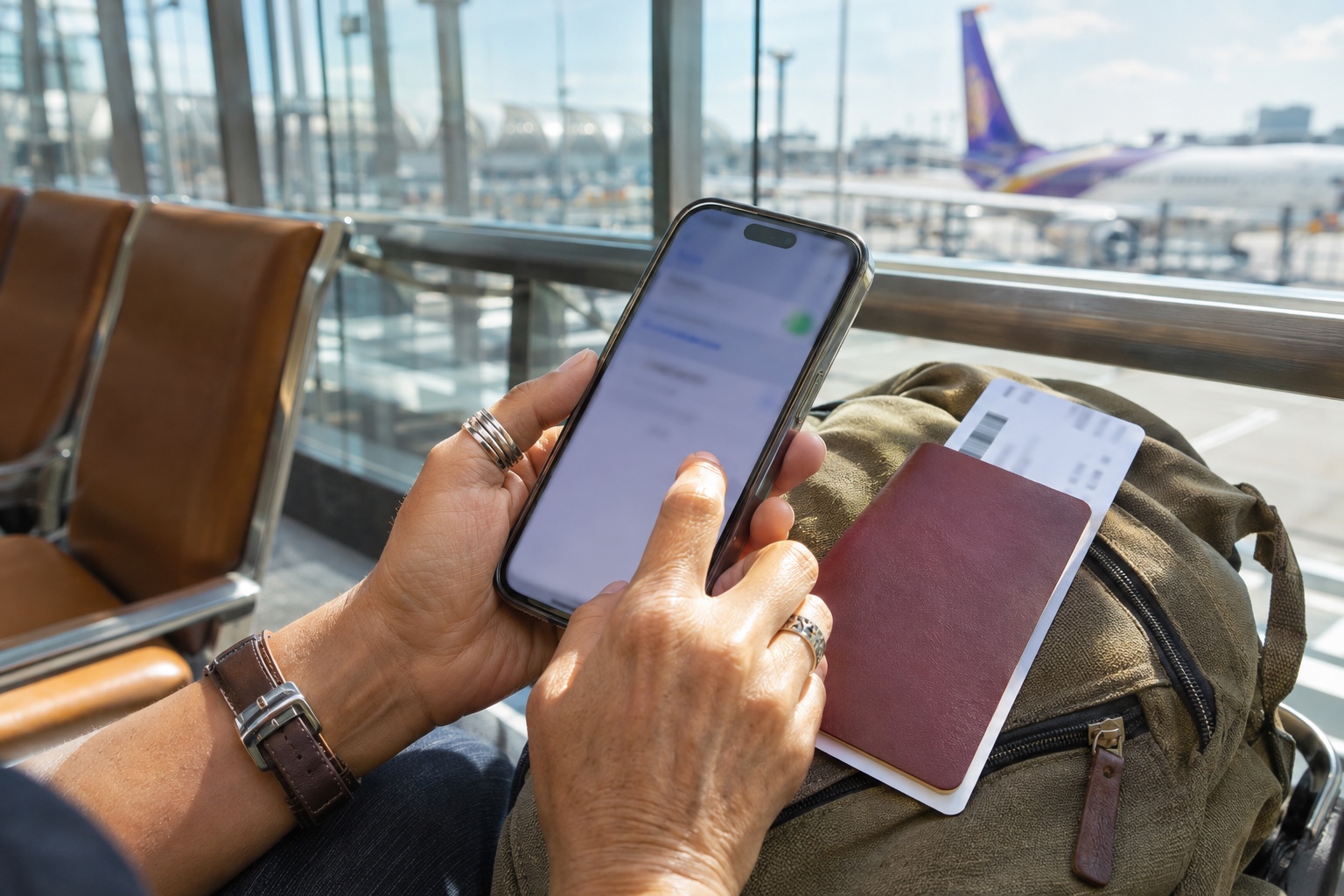
Installation itself only takes a minute: on Wi-Fi, open Add eSIM in your phone’s settings and scan the QR code from your LemonSIM email. If you need the step-by-step version, How eSIM Works covers the full process.
Label Your Lines So You Don’t Mix Them Up
With three lines on one phone, the default names (“Secondary”, “Travel”, “Personal 2”) get confusing fast. Rename them as soon as each eSIM is installed:
- iPhone: Settings > Cellular (or Mobile Data) > tap the line > Cellular Plan Label. Choose a custom label such as “Thailand” or “Vietnam”.
- Samsung Galaxy: Settings > Connections > SIM manager > tap the eSIM > change its name and icon.
- Google Pixel and most other Android phones: Settings > Network & internet > SIMs > tap the eSIM and edit its name (menu names vary by brand).
Clear labels make the next step, switching data at the border, almost impossible to get wrong.
How to Switch Between eSIMs When You Cross the Border
When you land in Vietnam, three settings need to change. Do them in this order:
- Turn the Vietnam line on. On iPhone, tap the line under Cellular and switch “Turn On This Line”. On Android, enable it in SIM manager or the SIMs menu.
- Turn on data roaming for the Vietnam line. LemonSIM eSIMs need data roaming switched on for that line, even though you’ve paid for the plan.
- Choose the Vietnam line for mobile data. On iPhone: Settings > Cellular > Cellular Data. On Samsung: SIM manager > Mobile data. On Pixel: Settings > Network & internet > SIMs > Mobile data.
Then switch the Thailand line off. It has no use in Vietnam, and turning it off avoids your phone trying to use it. On iPhone, also check that Allow Cellular Data Switching is off, so the phone doesn’t quietly fall back to your home SIM’s roaming data when the signal is weak.
The FAQ says the line usually connects within a few minutes. If it doesn’t, turn airplane mode on for 30 seconds and off again, and check the three settings above.

What About Your Home Number and Hotspot?
Your home SIM can stay on for calls and texts the whole time, which is handy for bank codes. Just turn off data roaming on the home line so it never uses mobile data abroad. LemonSIM’s plan pages also note that your home carrier may still charge for calls, SMS or voicemail on your home SIM even when data roaming is off, so check your carrier’s rates if you expect calls.
Hotspot works on every LemonSIM plan, so whichever line is your data line can share data with a laptop or a travel partner’s phone. If you’ll do that a lot in Thailand, the 20GB plan is the safer pick; our eSIM hotspot guide explains how much tethering tends to use.
Should You Delete the First eSIM?
Not straight away. The FAQ advises keeping an eSIM installed while its plan is running, and only removing it after the plan ends. A few practical points:
- Switching a line off is enough while you’re in the next country. It doesn’t delete the eSIM.
- Remove it once the plan has expired, from your phone’s SIM settings (Delete eSIM, Remove or Erase SIM). That frees up a storage slot for your next trip.
- Don’t delete an eSIM to “fix” a problem. Once deleted, an eSIM may not be reinstallable, so email support with your order number first.
LemonSIM eSIMs can’t be topped up, so if you run short in either country, the fix is to buy and install a new plan for that country. Our post on running low on eSIM data in Thailand walks through that situation step by step.
FAQ
How many eSIMs can I keep on one phone?
Most recent eSIM phones can store several eSIM profiles, but usually only two lines are active at once. The exact limits depend on your model.
Can I install both eSIMs before I leave home?
You can, but each plan starts on the day you install it, so the second plan would lose days before you arrive. Buy both at home, but install the second one shortly before you travel to that country.
Do I need Wi-Fi to install the second eSIM?
The LemonSIM FAQ recommends installing on Wi-Fi. Hotel or airport Wi-Fi on your last day in the first country works well.
Will my phone switch eSIMs automatically at the border?
No. You choose which line to use for mobile data. After landing, turn on the new line, enable its data roaming and select it for mobile data.
Can I use one eSIM for both Thailand and Vietnam?
A Thailand eSIM is sold for Thailand and a Vietnam eSIM for Vietnam, so plan on one for each country and check each plan page for coverage. Regional eSIMs, listed on the eSIM page, only help when your route matches the countries they include.
Conclusion: One Phone, One eSIM Per Country, Installed Just in Time
Keeping multiple eSIMs on one phone is the simplest way to handle a two-country trip like Thailand and Vietnam. Buy both plans before you go, install each one shortly before you need it, label the lines, and switch your mobile data line when you land. Your home number stays reachable the whole time, and you never have to open the SIM tray.
Ready to plan your route? Compare destinations on the LemonSIM eSIM page, or if your device has a SIM slot but no eSIM, see the LemonSIM SIM card plans.