
Nile cruise mobile coverage matters most when you need to contact a guide, confirm a pickup or check tomorrow’s meeting point. For a Luxor-to-Aswan river itinerary, an Egypt eSIM is worth considering for mobile data wherever your phone can reach a supported land network. It does not promise uninterrupted internet while the boat moves, and a ship’s Wi-Fi is a separate service with its own limits.
Start with the Egypt eSIM packages, then compare them against your full travel dates and the internet arrangements on your particular vessel. This guide is a purchasing and preparation checklist; it is not a signal survey of the river or a guarantee for any mooring.
What can Nile cruise mobile coverage tell you before buying?
The useful question is whether the plan and the ship’s internet arrangements fit the tasks you need to complete. A country label confirms the intended destination, but it cannot tell you whether a message will send from your cabin at a specific time. Even a connection that works while moored may behave differently once the vessel moves.
LemonSIM’s Egypt page lists Orange, Vodafone and e& (Etisalat) with 4G, and states that partner networks vary by plan and location. Those listings do not establish that every package can use all three operators, or that any operator covers the entire sailing route. Before checkout, ask which network or networks apply to the exact offer you are considering.
Use your itinerary to make that question specific. Give support the embarkation and disembarkation cities and any intermediate overnight stops shown in your booking. If the operator cannot confirm service at a particular location, treat that location as uncertain. Choose from the eSIM destination catalogue for the supported service they describe, while keeping essential travel information available offline.
A larger allowance cannot solve a missing connection. Likewise, an unlimited label describes the plan’s data terms; it does not guarantee continuous reception, a minimum speed or the ability to join a meeting while sailing.
Should you buy mobile data, ship Wi-Fi or both?
Mobile data is useful when you leave the vessel for a shore visit, walk to an agreed pickup point or need to message someone away from the onboard network. Ship Wi-Fi may be convenient for your cabin or lounge, particularly for downloading files before the next excursion. Its usefulness depends on the vessel and its internet connection.
Ask the cruise company these questions before paying for Wi-Fi:
- Is internet access included, or is there a separate charge?
- Does it work in cabins, common areas or only a designated lounge?
- Are there device limits, data limits or restrictions on particular activities?
- What should passengers expect while sailing, compared with being moored?
- Is the onboard internet itself dependent on a local mobile connection?
The last question helps you judge redundancy. If both services rely on the same local mobile network, buying both may add convenience without providing an independent backup. Ask about the actual arrangement instead of assuming the ship uses satellite internet.
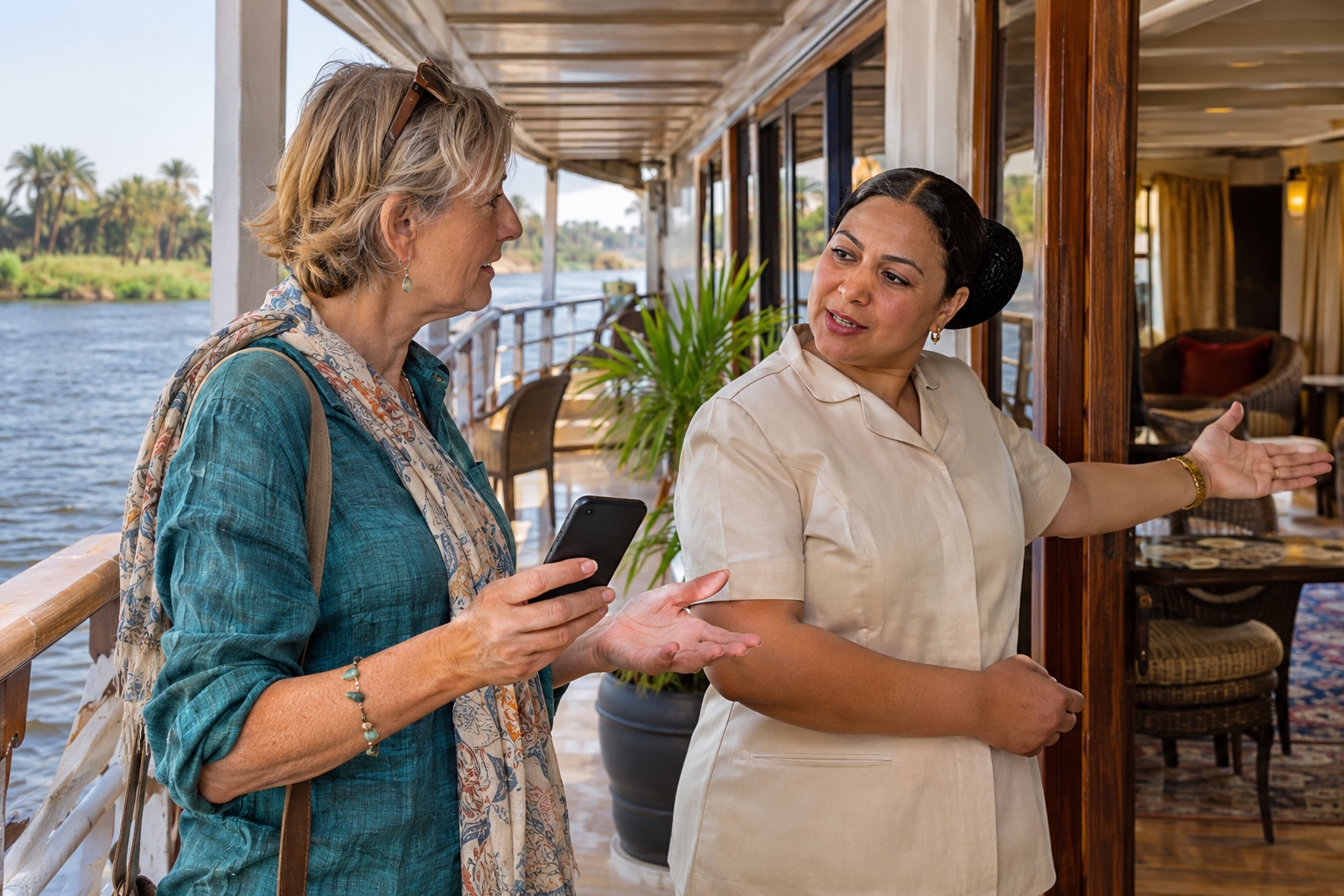
For occasional messages and booking checks, mobile data plus whatever Wi-Fi is included may be enough. If you need to upload large files, ask about practical access and restrictions before buying a paid ship package. There is little value in purchasing two services that both fail to meet your main task.
Review the Egypt travel data selection with your shore activities in mind. These plans are data only: they do not include an Egyptian phone number, ordinary voice calls or SMS. Agree with your guide which messaging service you will use, and arrange a fallback meeting place if that service is unavailable.
Which plan duration covers the cruise and the rest of Egypt?
Count the entire period when you need mobile data, rather than matching the package to the number of nights on the boat. A cruise booking may leave out your arrival hotel, transfer day, additional sightseeing and journey to the airport. Those can be the days when a working connection is especially useful.
Write down the date you expect to install the eSIM, the last date you need data and the plan’s actual expiry time. LemonSIM’s FAQ on plan validity and use says installation starts the plan and the installation day counts as day one. Its stated final-day cut-off is noon EDT or 11 a.m. EST; convert the applicable time to Egypt local time. Turning the line off does not pause validity.
Two options to compare, once you have counted that period, are:
- The seven-day unlimited Egypt eSIM. Consider this only if the whole service window, including travel before and after the cruise, falls inside its validity. Check the final transfer against the expiry cut-off.
- The ten-day unlimited Egypt eSIM. Compare this when extra hotel nights or onward travel make seven days too short. More days extend the validity window; they do not improve signal along the river.
For a longer holiday, compare the longer durations listed in the Egypt eSIM range. Check any high-speed limits or fair-use terms before choosing an unlimited offer for frequent uploads. If a term is unclear, ask about that specific package before purchase. Avoid committing a work schedule to a speed that the offer does not promise.
What should you confirm and save before the boat leaves?
Ask the cruise operator for the exact embarkation point and the best way to identify the vessel. A city name or a general waterfront pin may not be enough. Save the ship name, contact details and the meeting instructions as screenshots or another file that opens without internet.
For every excursion, agree on the return meeting place and time before leaving the group. Ask what to do if the schedule changes or a message does not arrive. Keep these instructions with your booking details, rather than relying on an app conversation to reload later.
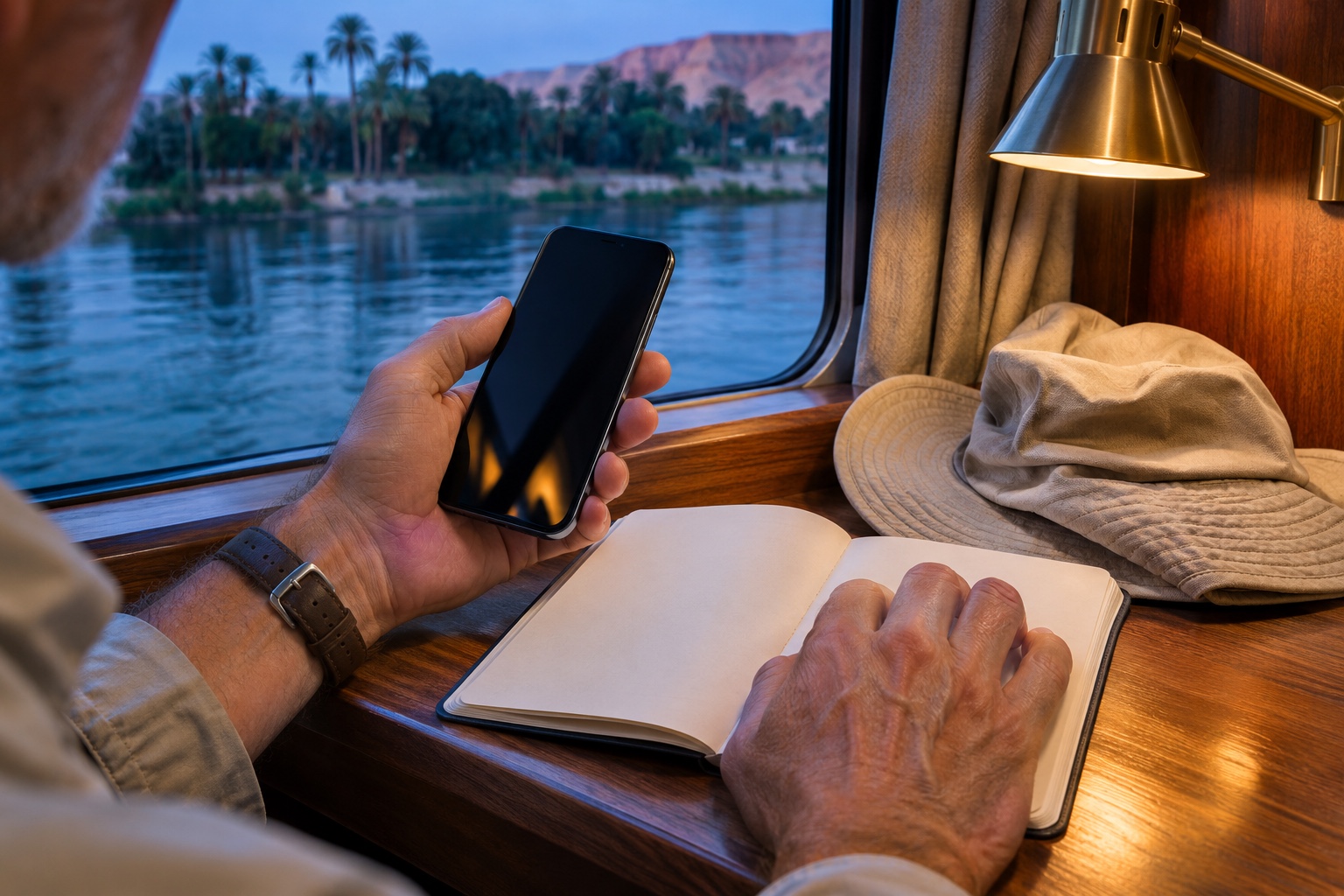
A small offline folder can contain:
- Your vessel name and embarkation instructions.
- Guide and cruise-company contact details, with the agreed contact method.
- The next meeting point, return time and fallback arrangement.
- Hotel and onward-transfer confirmations.
- Your eSIM order reference and support instructions.
Once aboard, test the tasks that matter: load a fresh page, send a new message and confirm a reply when possible. Test mobile data with Wi-Fi off, then test ship Wi-Fi separately. This shows what is working at that time and place; it cannot certify the next sailing segment.
Keep the purchased eSIM installed while the plan is active. A temporary signal gap is a reason to use your saved arrangements and try again later, rather than deleting the profile as an experiment.
Can you rely on the connection for work or urgent contact?
Treat a scheduled video meeting during sailing as an uncertain commitment. Ask whether you can move it to a period with a verified connection, or agree on an email or asynchronous alternative. Send important files before departure and allow time for uploads to complete; an upload that has started is not necessarily finished.
For family contact, a simple check-in window can work better than promising to stay continuously reachable. Tell people that delayed replies are possible and give them the cruise company’s contact route for time-sensitive travel matters. Onboard staff should be your first point of contact for an immediate problem on the vessel.
Choose your Egypt eSIM package for its confirmed networks, duration and data terms, and use ship Wi-Fi according to what the cruise operator actually provides. If your holiday continues abroad, compare the next stop separately in the eSIM destination catalogue. The practical goal is enough access for the trip’s important moments, backed by clear meeting arrangements whenever internet is unavailable.